
PDF OCR: Make PDFs searchable
Make scanned images and PDFs searchable. Drop your file below, and our optical character recognition (OCR) tool will make text readable and searchable. Free online tool.Almost there, finishing the upload.

Drag and drop or click here to upload
You're in good company







How to OCR files online
Follow these simple steps to OCR your PDFs and images online:
- 1
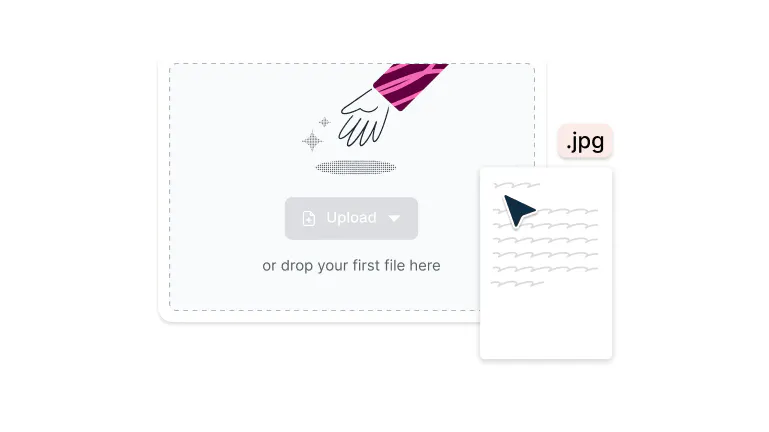
Upload
Drop your file into the dropzone above or click the 'Upload' button.
- 2
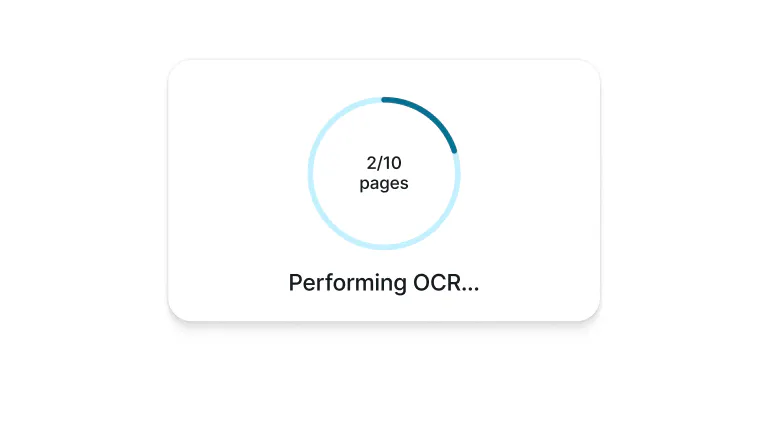
Confirm OCR
Sign-in and click ‘Confirm’ to begin OCR and wait for it to complete.
- 3
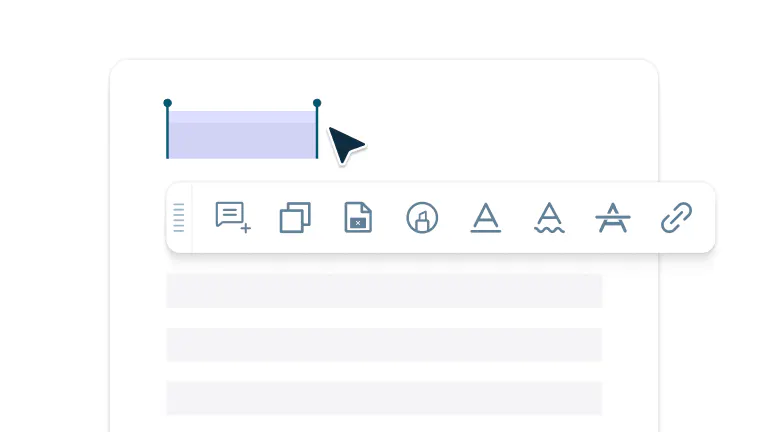
Your text is now selectable
Flattened text from your image will now be selectable.
Convert images to text with OCR
Convert scanned PDFs into editable text with Lumin’s free OCR tool. Recognize text accurately and make your documents searchable and easy to edit.

Convert scanned PDFs into searchable text
Transform your image-only PDFs into fully searchable documents where every word can be found, copied, and edited. Whether it's a scanned contract, old invoice, or handwritten notes, OCR technology reads the text in your images and makes it accessible.

Export to multiple formats with Lumin
After running OCR on your PDF, save it as a searchable PDF that looks identical to the original but with selectable text underneath. Need more flexibility? With Lumin, you can export your OCR-processed document to Word, Excel, or other formats.

Works on any device
Process PDFs with OCR from your Windows PC, Mac, iPhone, iPad, or Android device, no software installation required. Just open your browser, upload your file, and let OCR do its magic.

Edit PDFs without limits
Turn scanned files into fully editable PDFs with Lumin. Once OCR makes your text searchable, you can highlight important details, add comments or text, insert secure signatures, and even split or merge pages..

Security guaranteed
Your confidential documents stay secure. All files are encrypted during upload and processing to ensure your privacy. You can safely work with sensitive contracts, financial documents, or personal records with complete peace of mind.

Easy and fast
Skip the complicated software and lengthy tutorials. Upload your scanned PDF, click to apply OCR, and download your searchable document within seconds. The entire process is designed for speed and simplicity, turning hours of manual retyping into a quick automated task.
Frequently asked questions
OCR (Optical Character Recognition) is a technology that extracts text from images, scans, or image-based PDFs and converts it into editable, searchable text. It lets your computer recognize letters and words instead of just displaying a picture of text.
A standard PDF made from a scan is just an image, so the text cannot be searched or copied. An OCR PDF looks the same but includes a hidden text layer, allowing you to search, copy, and edit content.
OCR makes PDFs searchable, editable, and accessible. You can find keywords quickly, copy text without retyping, edit documents digitally, and make files usable with screen readers or searchable in document management systems.
You can process image-based PDFs, scanned documents, images such as JPG and PNG, and even screenshots. Lumin’s OCR tool converts them into searchable and editable text files while preserving the quality of the original document.
Lumin PDF offers free access to OCR processing and a full suite of PDF tools. You can use it to work on scanned documents, invoices, and contracts without any cost.
OCR can process handwriting, but accuracy depends on how clear it is. Neat, printed handwriting usually converts well, while cursive or stylized writing may be less accurate.
Trusted by more than 100 million customers



Featured articles


Discover Lumin’s products
Collaborate with existing colleagues and onboard new ones with Lumin and Lumin Sign. Our innovative solutions work great on their own, but they’re even better together.


Lumin Sign