
Free PPT to PDF Converter
Convert your PowerPoint presentations to PDF format instantly with Lumin’s free online converter. No download required.Almost there, finishing the upload.

Drag and drop or click here to upload
You're in good company







How to convert PPT to PDF
Follow these simple steps to convert your PowerPoint file to a PDF.
- 1
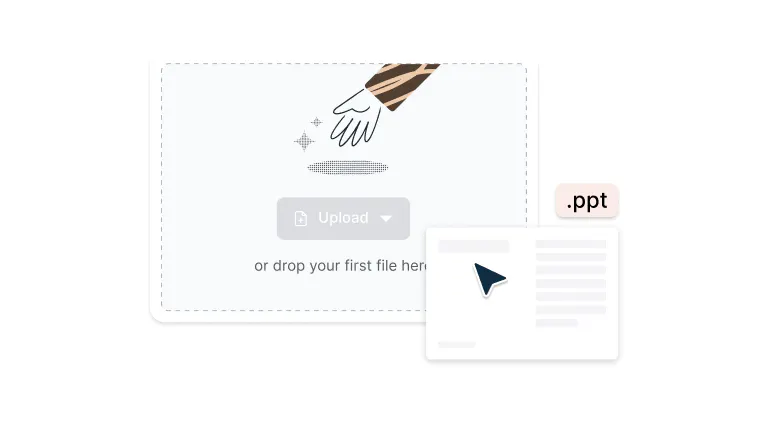
Upload
Drop your PDF file into the dropzone above or click the 'Upload' button.
- 2
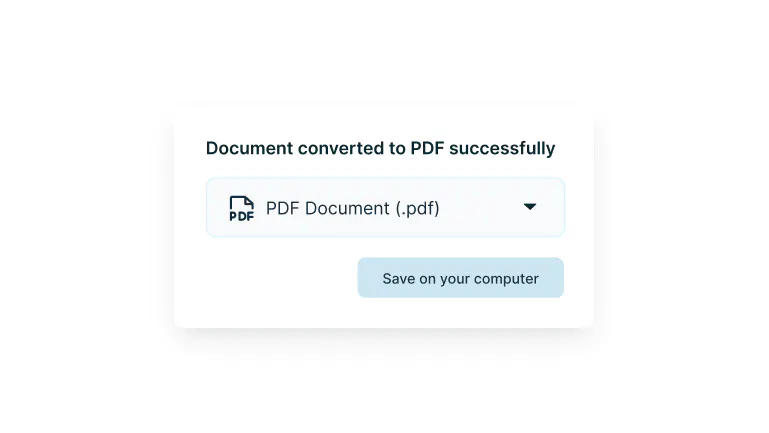
Convert
Sign-in and your Powerpoint will be converted to PDF format.
- 3
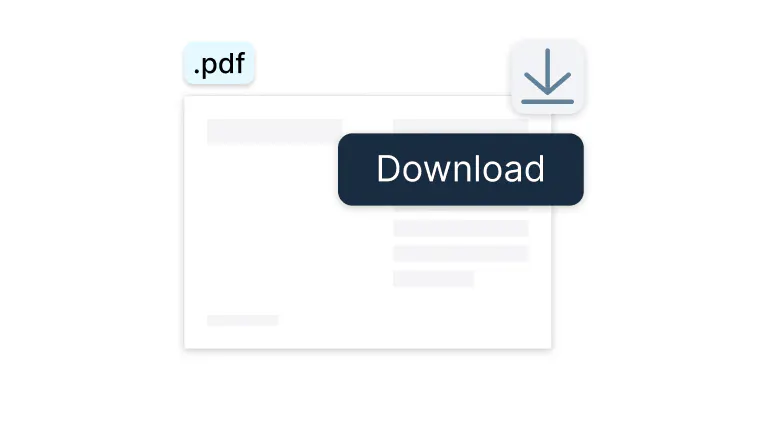
Download or edit
Edit, collaborate or download the document as a PDF.
Fast, secure, and flexible PowerPoint to PDF conversion
Easily turn presentations into shareable PDFs in seconds.

Drag, drop, and done
Transform PowerPoint to PDF in seconds. Just drag your files into Lumin and watch them instantly convert into professional PDFs ready to share with anyone.

Secure your documents
Your presentations stay private with enterprise-grade encryption throughout the entire process. We protect your sensitive business documents from upload to download because your confidentiality matters.

Compatible across devices
Works seamlessly on Mac, Windows, iOS, and Android. Your conversion tools travel with you across all devices, maintaining consistent functionality wherever you work.

Google Drive integration
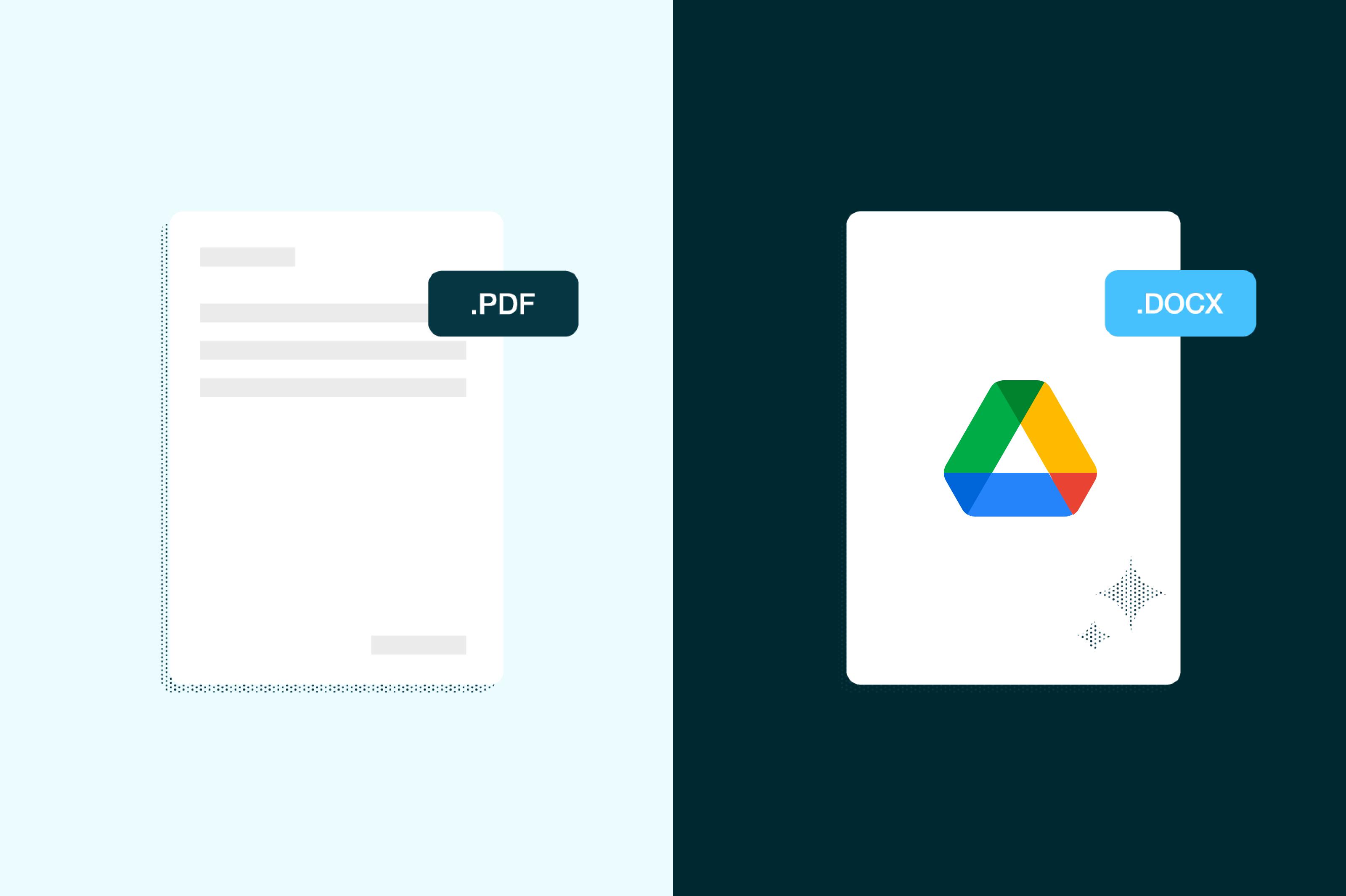
Convert files directly from Google Drive without needing to download anything. Open, transform, and save your presentations seamlessly within your existing Google Workspace workflow for maximum productivity.

Choose your PDF file size
Control your PDF output quality from high-resolution for printing to compressed for easy sharing. Pick the right balance of file size and image quality for your needs.

Edit on the spot
Once converted, annotate and refine your PDFs directly in your browser. Add comments, highlight key points, or make last-minute changes without switching between applications or installing extra software.
Frequently asked questions
Lots of our tools are free. You can draw on PDFs, comment on them, add text, signatures and images; all the basics are covered.
Our paid plans expand your toolkit: you can edit PDF text, redact information, create fillable fields and much more. Discover our plans to learn which one is the right fit for you.The Lumin app works on your browser, or you can download our desktop app and keep Lumin handy on your computer. We’ve also got a mobile and tablet app which includes Lumin’s most popular features.
PPT to PDF conversion transforms PowerPoint presentations (.ppt or .pptx files) into Portable Document Format (.pdf) files. This process preserves your slides' layout, fonts, and formatting while creating a universally readable document that can be viewed on any device without needing PowerPoint software installed.
Upload multiple PowerPoint presentations to Lumin PDF and use the merge feature before conversion. You can arrange the order of presentations, ensuring your combined PDF flows logically.
This is great for creating comprehensive reports, training materials, or conference proceedings from multiple presentation files.Converting your PowerPoint presentation to PDF is simple with our online PPT to PDF converter. Just follow these steps:
1. Drop your PDF file into the dropzone above or click the select a file button.
2. Sign-in and your powerpoint will open as a PDF in the Lumin editor.
3. Download your file as a PDF.
Converting PPT to PDF ensures your presentation looks identical across all devices while preventing unwanted edits. PDFs are smaller in size, making them easier to share, and they can be opened by anyone with a PDF reader. The conversion preserves all your formatting, fonts, and images, maintaining your presentation's professional appearance.
No software installation is required. Our PPT to PDF online converter works entirely in your web browser. Upload your file, and convert PPT to PDF instantly.
Yes, Lumin PDF works flawlessly on both iOS and Android devices through the mobile app. The mobile experience offers the same conversion quality as desktop, with an interface optimized for touchscreens. Convert presentations on the go and share PDFs instantly from your mobile device.
The Google Drive integration allows you to access PowerPoint files directly from your Drive without downloading them first. Right-click on any PPT file in Google Drive, select "Open with" > "Lumin PDF," then convert and save the PDF back to your Drive. Your files stay in the cloud throughout the entire process.
Your data is protected with bank-level 256-bit SSL encryption during all stages of the conversion process. Files are processed in isolated environments and automatically deleted from servers after conversion.
Lumin complies with GDPR, CCPA, and other privacy regulations to ensure your presentations remain completely confidential. Learn more about how Lumin keeps your data safe.Yes, Lumin PDF offers free PPT to PDF conversion with core features included. Create a free account to unlock higher conversion limits and access to batch processing.
Professional features like advanced security options, team collaboration tools, and priority processing are available with upgraded plans tailored for business needs.
Trusted by more than 100 million customers



Featured articles


Discover our products

Lumin
An easy-to-use PDF editor that stands alone or integrates with Google Workspace.
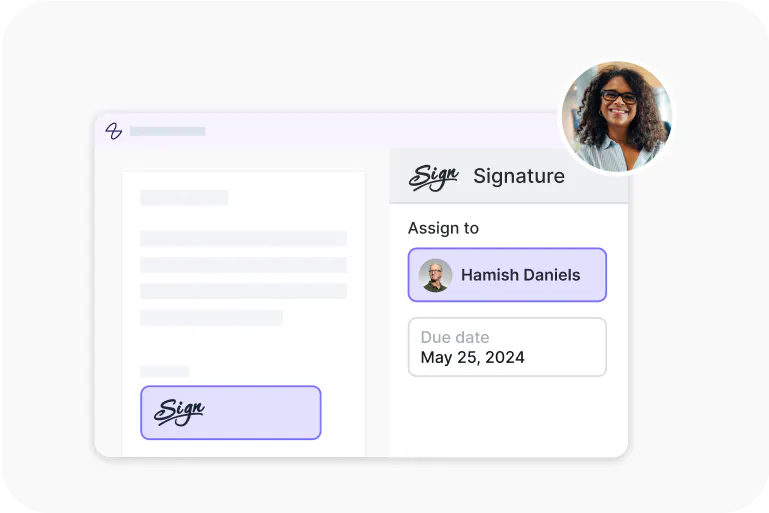
Lumin Sign
A digital signature workflow tool that seals deals with legally-compliant signatures.

Lumin Sign API
An eSignature API made to be plugged into your platform with minimal effort.