Free PDF to PNG Converter
Convert PDFs to editable PNG in seconds. Just upload your file and open it in Lumin to edit, share, or download — free and easy.Almost there, finishing the upload.

Drag and drop or click here to upload
You’re in good company







How to convert PDFs to PNGs
Follow these steps to quickly turn your PDF into PNG images.
- 1
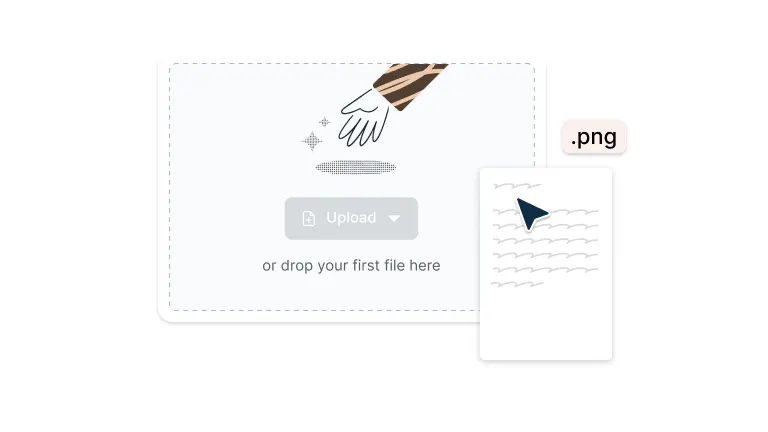
Step 1
Drop your PDF file into the dropzone above or click the 'Upload' button.
- 2
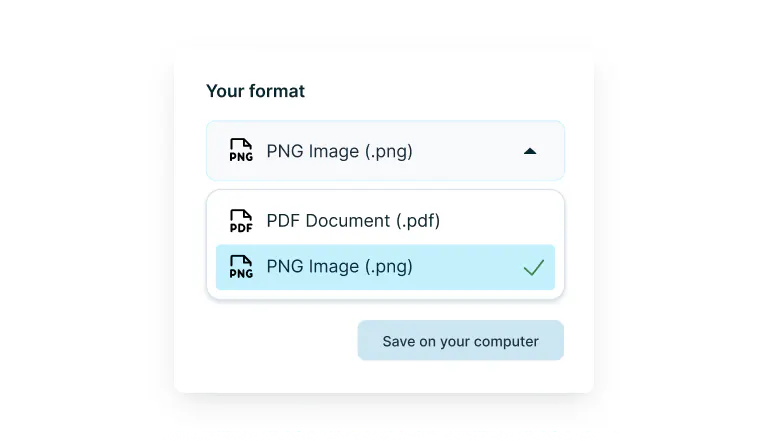
Step 2
Select ‘PNG Image’ from the drop-down selector.
- 3
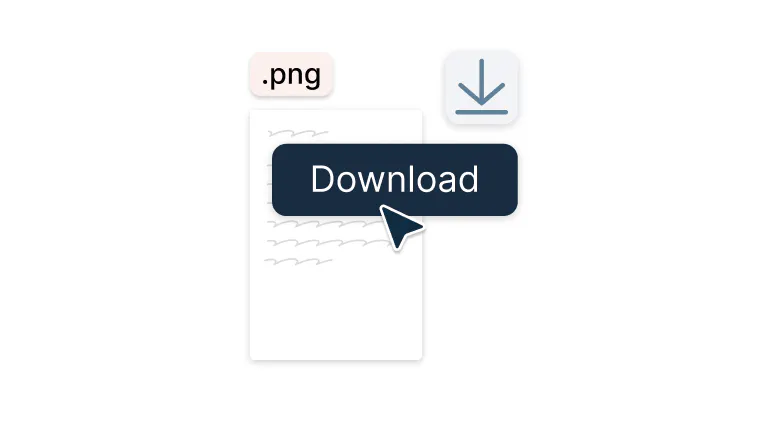
Step 3
Download your PNG file.
Fast, high-quality PDF to PNG conversion
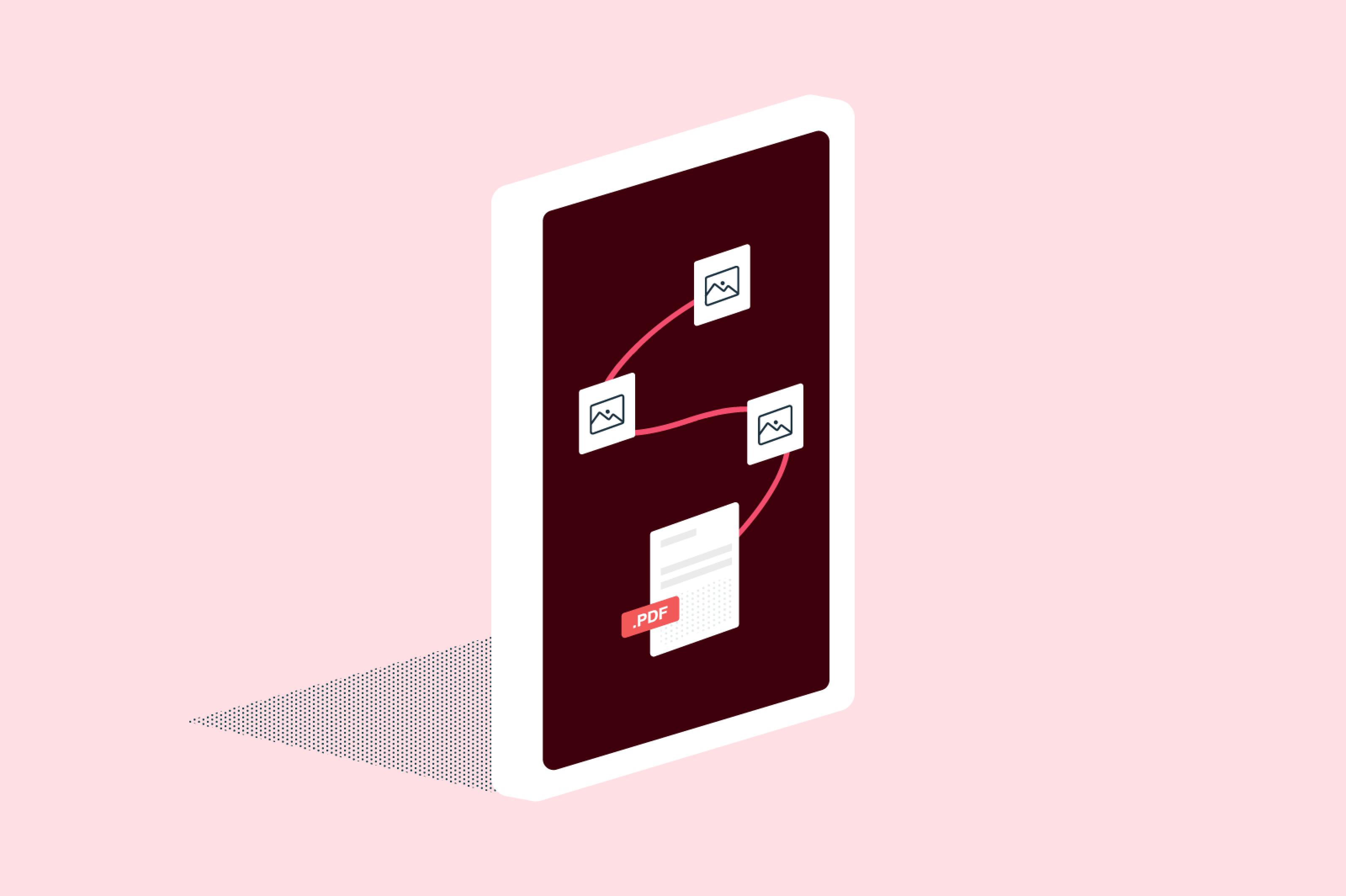
Turn your PDFs into crisp, share-ready PNG images in seconds.

PDFs to PNGs in a snap
Transform any PDF into PNG images with just a few clicks. Perfect for web uploads, presentations, or quick sharing – your documents become versatile images that work everywhere.

Quality that speaks for itself
Every detail stays sharp: colors pop and text remains crisp. Your converted PNGs look like your PDFs, just more flexible. Excellent results, every single time.

Convert from any computer
Whether you're on Mac or Windows, convert PDFs to PNG from any desktop or laptop with an internet connection. It works seamlessly across different operating systems and computers.

Work directly from Google Drive
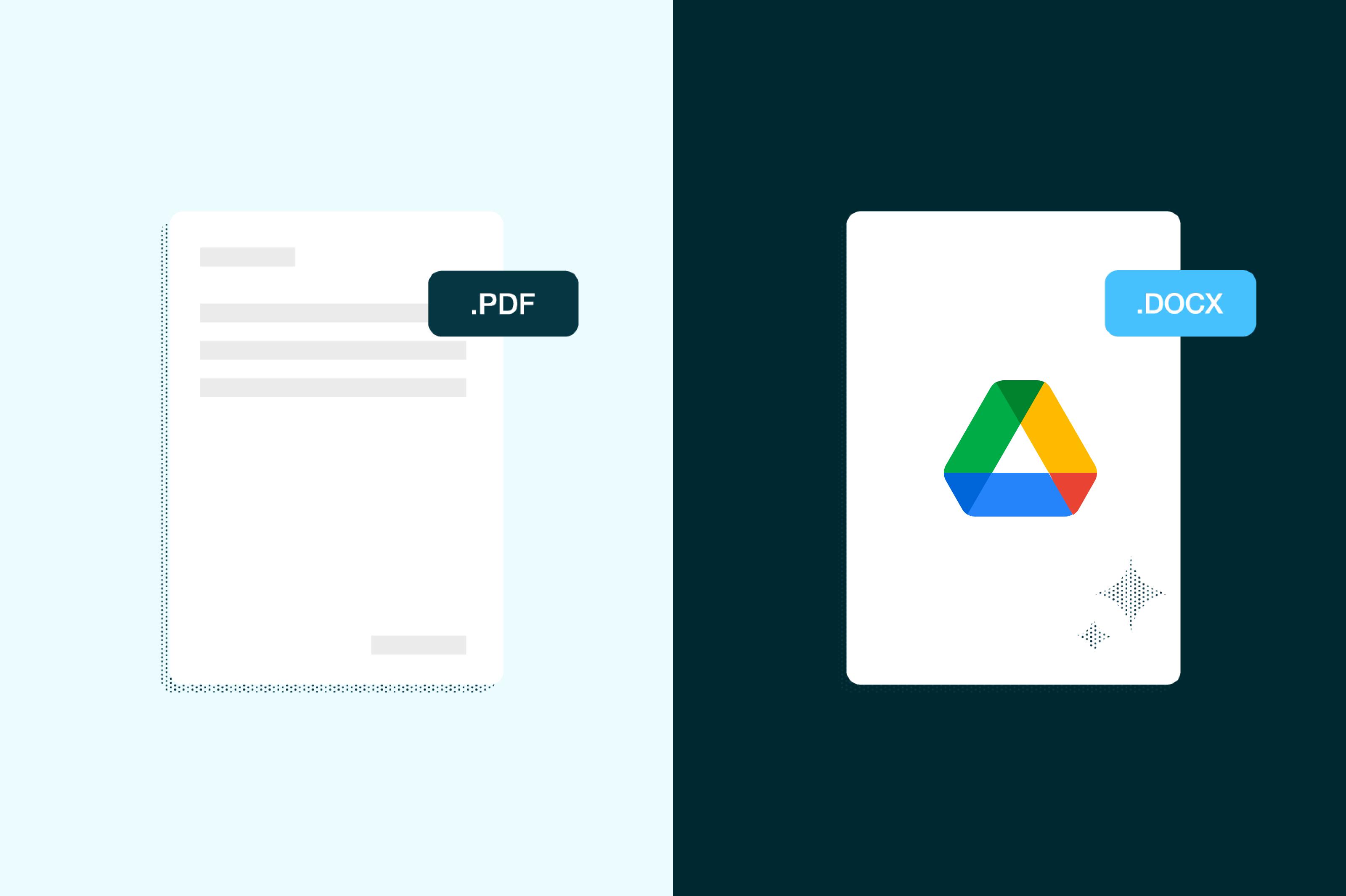
Open PDFs directly from Google Drive, convert them to PNG, and save them back. Everything happens seamlessly within your workflow. No need to download files locally or manage multiple versions across different platforms.

Keep your files completely secure
Once you upload your files to Lumin, they're protected with encryption and optional password protection. While stored in Lumin, your documents remain secure and under your control.

Offline access available
Convert to PNG even without Wi-Fi using the Lumin desktop app, because productivity shouldn't depend on your internet connection.
Frequently asked questions
PNG (Portable Network Graphics) is an image format that supports lossless compression and transparency. Unlike JPG files, PNG images don't lose quality through compression, making them well-suited for graphics with text, logos, or images that need transparent backgrounds. PNG files are widely supported across all devices and platforms.
Yes, you can convert a PDF to PNG using Lumin PDF. Just drag and drop your file into the tool, and it will quickly turn each page into a high-quality PNG image. It’s completely free and easy to use.
Once converted to PNG, your files become image files rather than editable documents.
However, you can edit PNG images using image editing software like Photoshop, GIMP, or even basic photo editors. If you need to make text changes or major edits, it's better to edit the original PDF in Lumin first, then convert to PNG.The choice between JPG and PNG depends on your needs:
• Choose PNG for: Graphics with text, logos, images needing transparency, or when you want zero quality loss
• Choose JPG for: Photographs, when smaller file sizes are crucial, or for web images where slight quality loss is acceptable
For PDF conversions, PNG is often preferable because it preserves text clarity and avoids introducing compression artifacts that can make documents appear blurry.
Decided that JPG is the right format for you? Use our PDF to JPG converter.Technically, you can’t convert a PDF to PNG directly within Google Drive. However, Lumin is integrated with Google Drive, so you can open your PDF using Lumin, convert it to PNG, and then save the converted images back to your Drive. It’s a seamless process that integrates seamlessly within your existing Drive workflow.
Yes, Lumin offers free PDF to PNG conversion. You simply need to drop or upload your PDF file, and you can convert it to PNG at no cost. It's a straightforward process that provides instant access to high-quality PNG conversions.
Trusted by more than 100 million customers



Featured articles

Discover Lumin’s products
Collaborate with existing colleagues and onboard new ones with Lumin and Lumin Sign. Our innovative solutions work great on their own, but they’re even better together.
Lumin Sign