
Free Excel to PDF Converter
Convert Excel to PDF online in seconds. Upload your spreadsheet and instantly create a polished PDF from xls and xlsx files for free.Almost there, finishing the upload.

Drag and drop or click here to upload
You're in good company







How to convert Excel to PDF
Follow these simple steps to convert your Excel documents to PDFs.
- 1
Upload
Drop your Excel (xls or xlsx) file into the dropzone above or click the 'Upload' button.

- 2
Convert
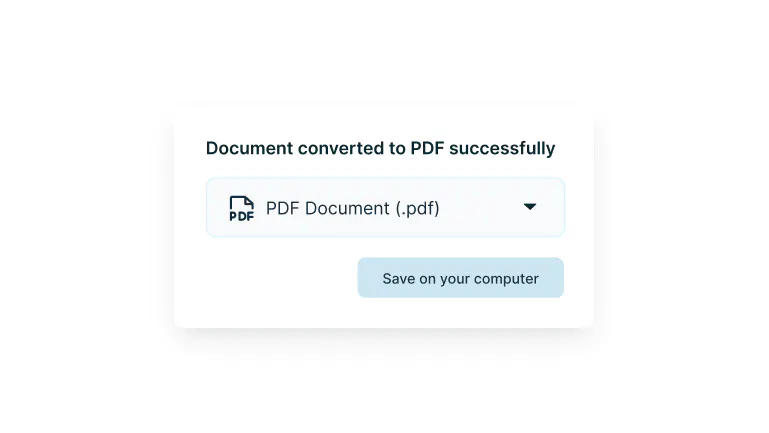
Sign-in and your Excel file will be converted to PDF format.
- 3
Download or edit
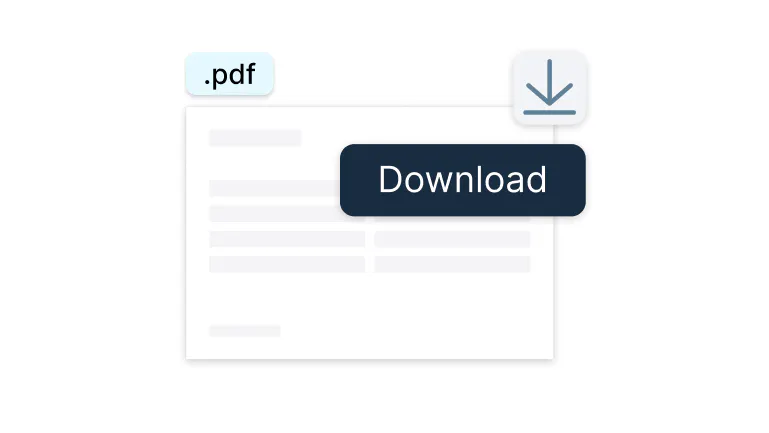
Edit, collaborate or download the document as a PDF.
Convert Excel to PDF, anywhere
Turn your spreadsheets into secure, shareable PDFs in seconds — online, offline, and across all your devices.

Excel to PDF in seconds
Transform your spreadsheets into polished PDFs with a simple drag and drop. No complicated steps. No waiting around. You get instant, professional documents ready to share. Your data becomes beautifully formatted and universally readable in moments.

Your data stays yours
Every file is wrapped in enterprise-grade security from start to finish. Whether it’s financial reports or confidential data, your information is protected with the same encryption banks trust. Convert with confidence knowing your sensitive documents are safe.

One tool, every device
Mac, Windows, phone, or tablet. Your Excel to PDF converter goes wherever you do. Get the same smooth experience whether you’re at your desk or reviewing spreadsheets on the subway. Your settings sync automatically, so you’re always ready to go.

Works where you work
Connect directly to Google Drive and convert files without the download dance. Open your Excel files, turn them into PDFs, and save them back seamlessly. Stay in your workflow and skip the unnecessary steps.

Keep working, even offline
No internet? No problem. The Lumin desktop app converts your Excel files locally. You’ll never be stuck waiting for a connection, making it perfect for planes, trains, or that coffee shop with sketchy WiFi.

Team up on the output
Once converted, use Lumin Workspaces to collaborate in real time. Add comments, highlight key data points, and get approvals without the endless back and forth.
Frequently asked questions
Yes, Lumin PDF works on both Mac and Windows systems. The desktop application is optimized for both operating systems, providing the same powerful Excel to PDF conversion features regardless of your platform.
Download the appropriate version for your computer and enjoy consistent functionality across all devices.Absolutely! Lumin PDF has a dedicated iOS app that allows you to convert Excel files to PDF directly from your iPhone or iPad. The mobile app maintains all the core conversion features, letting you work with spreadsheets on the go.
Simply upload or select your Excel file and convert it with the same quality as the desktop version.Converting an Excel file to PDF usually maintains text, formatting, and layout with clarity.
To get the best results, it’s helpful to check page size, layout, and scaling before converting. This ensures images stay sharp, content fits cleanly on the page, and everything appears as intended in the final PDF.The Lumin Google Drive integration allows you to access Excel files stored in your Drive without downloading them first. Simply connect your Google account to Lumin, then right-click any Excel file in Drive and select "Open with" > "Lumin PDF."
After conversion, the PDF is automatically saved back to your Drive folder, keeping everything organized in one place.Your data security is our top priority. All files are encrypted using 256-bit SSL encryption during transfer and AES encryption while stored.
The conversion process happens in isolated environments, and files are automatically deleted from our servers after processing. You maintain complete control over access permissions and can delete files from your account at any time.Yes, Lumin PDF offers free Excel to PDF conversion with our basic plan.
Creating a free account gives you access to essential conversion tools with generous monthly limits. For advanced features like batch conversion, OCR for scanned spreadsheets, and unlimited conversions, our premium plans provide enhanced capabilities for professional and business use.
Trusted by more than 100 million customers



Featured articles

Discover Lumin’s products
Collaborate with existing colleagues and onboard new ones with Lumin and Lumin Sign. Our innovative solutions work great on their own, but they’re even better together.


Lumin Sign