
Benj Bongcayao and First Oceanic Property Management
Author
Josie Adams
Published
Nov 23, 2022
Categories
Education
Read time
2 mins

Thousands of people, thousands of minutes saved – how one property management firm used Lumin to cut down time spent on document processing.
Table of contents
- 1. The problem: endless document processing
- 2. The answer: Lumin
Share this post
Benj Bongcayao, a mechanical engineer with First Oceanic Property Management, has a lot of paperwork to keep up with.
FOPM oversees the largest pool of property assets in the Philippines: it has more than 6.4 million square meters of residential and office floor spaces; over 100,000 residents; and provides workspaces for more than 200,000 employees.
The problem: endless document processing
The 26-year-old Benj and his team handle three of these buildings, all in the busy metropolis of Manila. “We’re managing three commercial properties, each 25 stories and approximately 120,000 square meters,” he says.
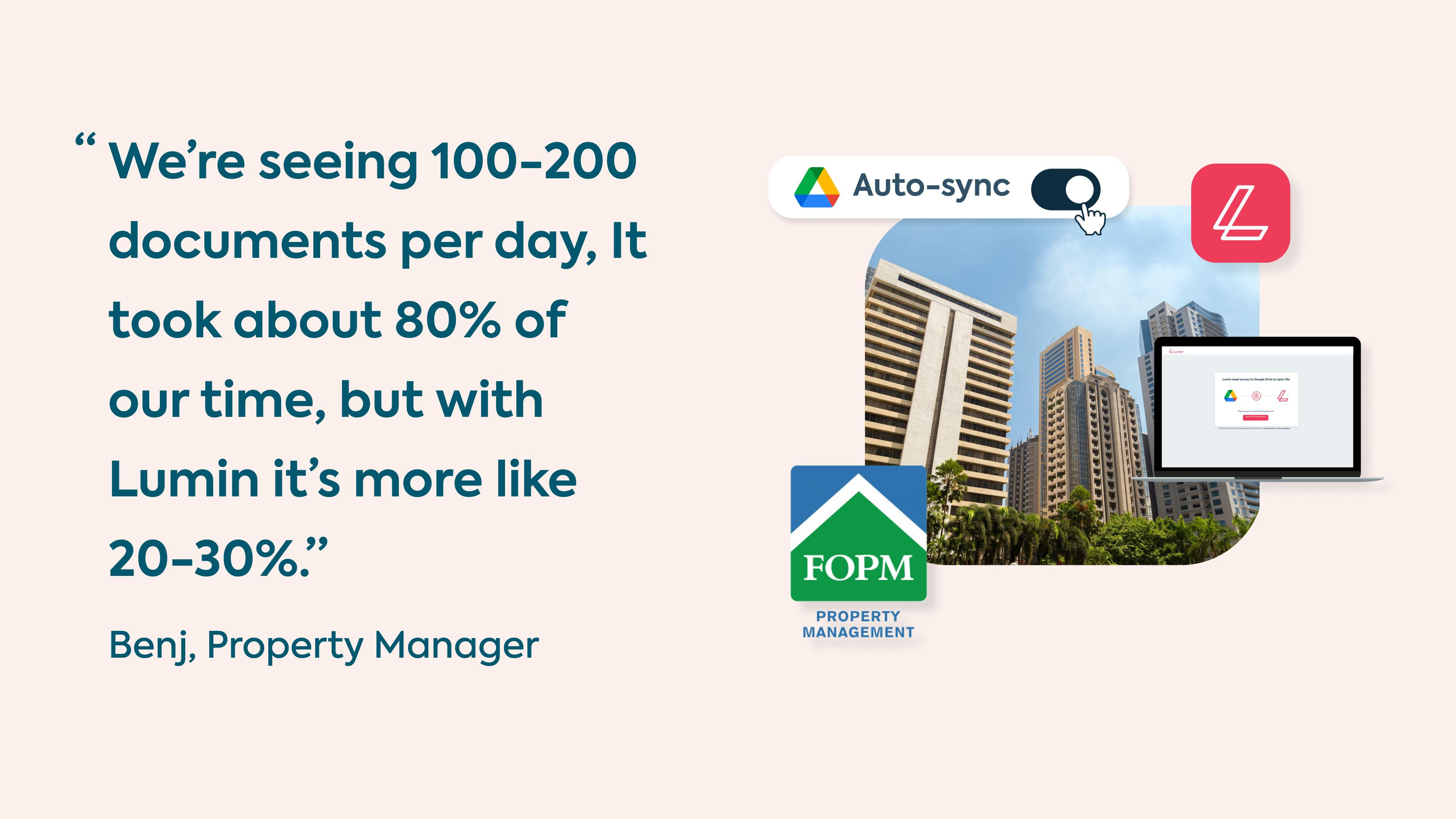
Managing these properties involves thousands of interactions with contractors, employees, tenants, and – of course – HQ. Processing the sheer number of documents this job necessitates isn’t just tedious; it can be massively time-consuming. “On a daily basis we’re seeing 100-200 sets of documents.”
The answer: Lumin
Benj is a driving force behind his team’s use of Lumin. “Lumin is very user-friendly,” he says. This means it’s easy to introduce to new team members and contractors. They use it to sign official documents, edit PDF files, and sync it all with Google Drive.
The crew tried other PDF editors like Adobe and Foxit, but ultimately the choice was easy. “We find Lumin very convenient because it’s in the cloud,” he explains. “It’s user-friendly, and unlike Adobe you don’t have to sign-up with an expensive premium fee.”
“Especially over the pandemic, it’s really helped us,” he says. Because the pandemic accelerated digital-first work, tools that work in the cloud and sync with Google Drive are vital to smooth out workflows.
Before discovering Lumin’s toolkit, Benj and his colleagues were drowning in a sea of documents. “It took about 80% of our time,” he admits.
“With Lumin, it’s more like 20-30%.”
Benj's favorite tools - The text box and eSignature.
Share this post