
How to fill out Form-9465 online
Author
Luke Houghton
Published
Mar 20, 2024
Categories
Small business
Read time
3 mins
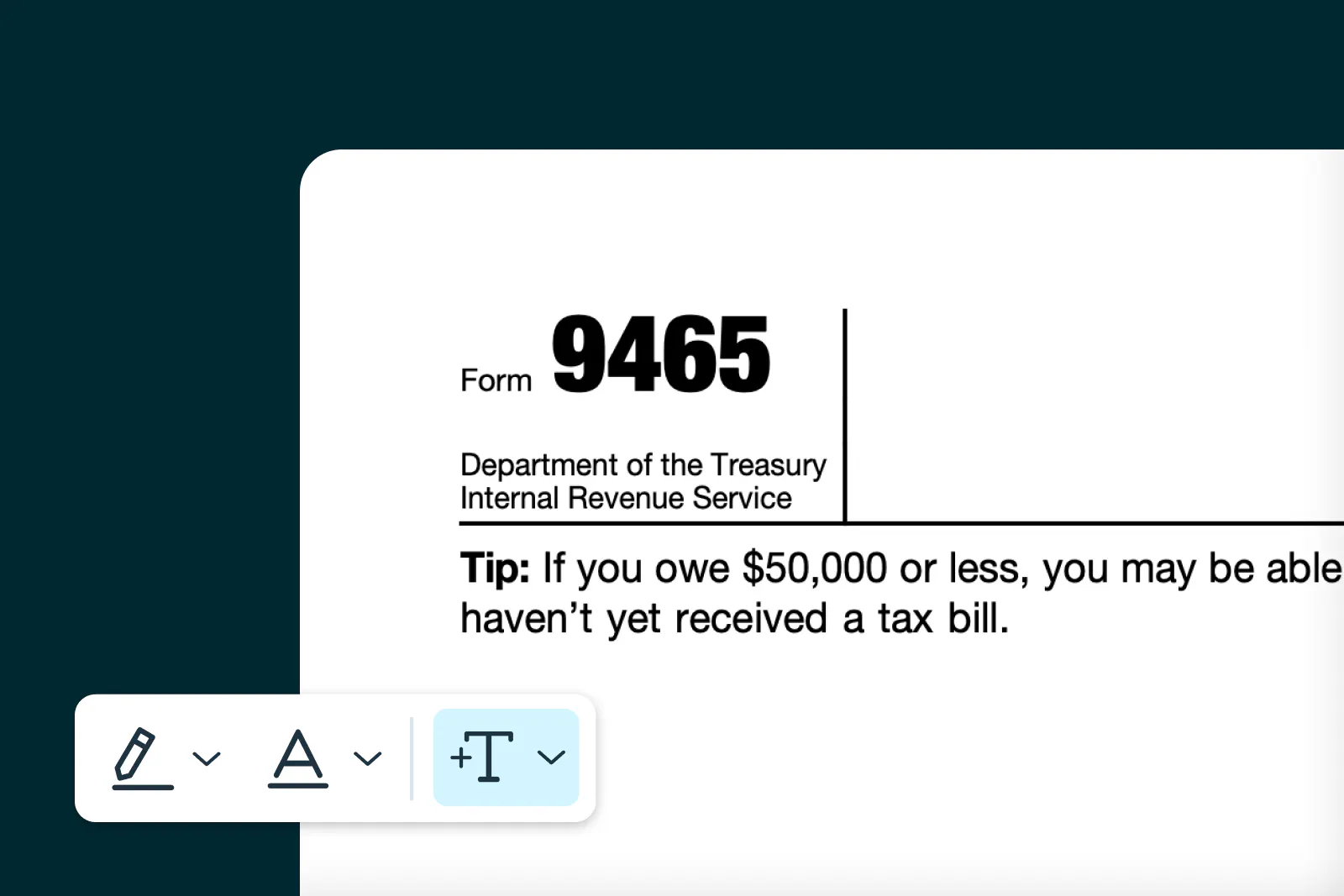
Found yourself in trouble at tax time? Form-9465 could be the solution you’re looking for: it helps you set up a tax instalment plan. Learn more about how to fill it in.
Table of contents
- 1. What is Form-9465?
- 2. How to find Form-9465?
- 3. Filling out Form-9465
- 4. Can Form-9465 be signed electronically?
- 5. Where to send Form-9465
Share this post
When the tax man comes knocking and you can’t pay your tax upfront – panic starts to set in.
But fear not, because there's a lifeline out there called Form-9465.
Form-9465 allows you to settle your tax bill through manageable installments. Even better, you can conveniently arrange these payments online.
Here's a step-by-step guide on completing, signing and uploading Form-9465 online.
What is Form-9465?
Form-9465 has been a saving grace for US taxpayers since 1993. This form enables taxpayers to request a monthly installment plan if they can't pay their income tax in full when filing their tax return.
How to find Form-9465?
Navigate to Template Discovery, Lumin’s library that contains over 5000 high-quality templates and forms. Type Form-9465 into the search bar and choose the appropriate version.
Click Preview template and double check you’ve got the right one, then click ‘Use this template’.
Done! You've got your Form-9465. If you need any other forms for tax time, have a search in Template Discovery; it's stacked with thousands of curated fillable forms designed to make admin easy.
Filling out Form-9465
Once you’ve chosen Form-9465 in Template Discovery, you’ll be taken to the Lumin editor to complete the form.
You can enter your details into the fillable text fields and apply electronic signatures all from within the app.
Once the form is filled out, users can save and download it, ready for submission to the IRS.
Can Form-9465 be signed electronically?
Yes, Form-9465 can be signed electronically. Electronic signatures hold the same weight as traditional signatures and are legally binding.
As of October 2023, the IRS permanently accepted the use of electronic signatures on a range of forms, including Form-9465. One small step for man, one huge step for eSignatures.
Where to send Form-9465
Form-9465 can be sent to the IRS alongside your tax return, both electronically or via snail mail.
Save the trees and your printing costs by setting up your installment agreement online. You’ll receive a faster notification of approval too.
Go to the IRS website, hover over Pay on the navigation bar at the top of the screen, and select Payment Plan (Installment Agreement). From there, click the Apply/Revise as Individual button.
If snail mail is the best option for you, print and attach Form-9465 to your tax return before mailing. You should receive a response to your request within 30 days.
Share this post