
Lumin for HubSpot
Turn HubSpot records into signed agreements
Get more out of HubSpot by adding agreement generation, eSignatures and signature tracking to every record. Send ready-to-sign agreements in minutes.
Close the gap between sent and signed
Lumin for HubSpot lets your team create, send and follow up agreements in one place, so nothing stalls.
Save time on every agreement
Agreements fill themselves from your HubSpot data. No copying details between tabs, no reformatting and no exporting PDFs to email.
Keep deals moving
Automatic reminders chase unsigned agreements, and statuses show who has viewed, signed or declined. You always know where each deal stands.
Cut the manual work
Fewer manual steps mean fewer errors to fix and more time for your reps to sell. A HubSpot admin can set it up without a developer.

Built into the way your team works
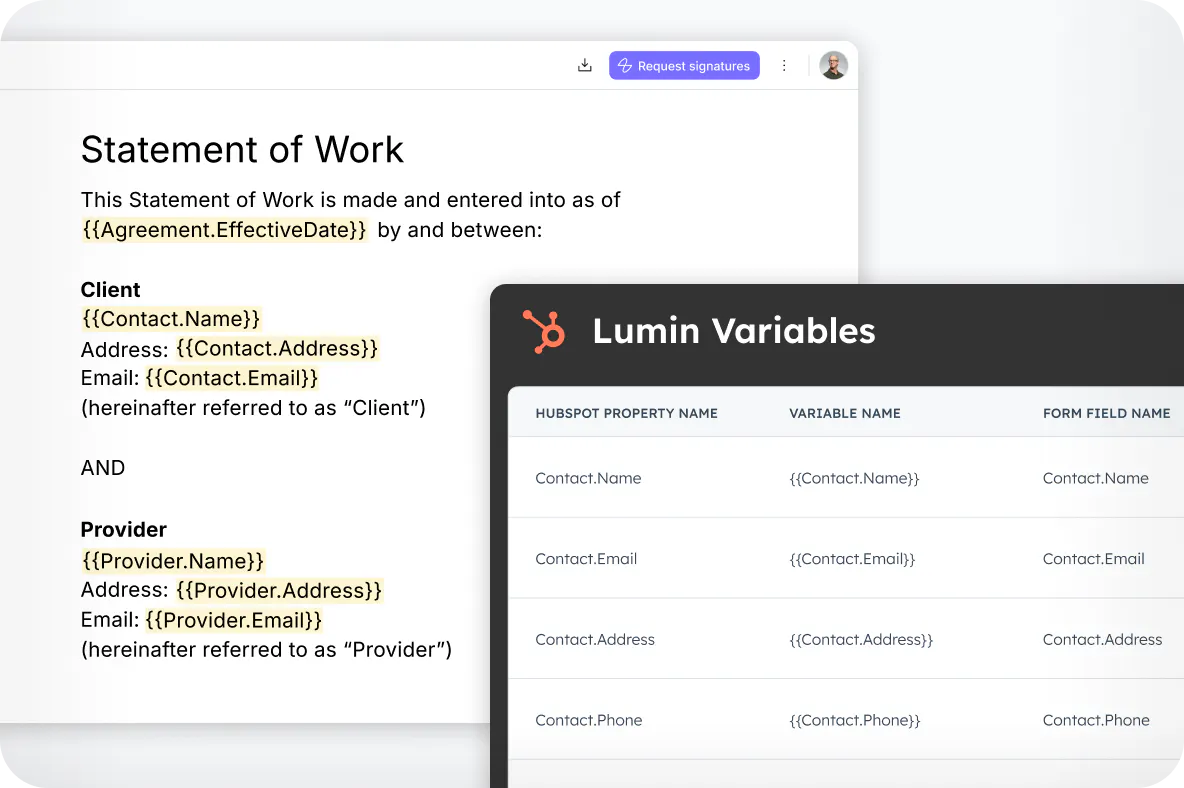
Your CRM data fills the contract
Lumin generates a variable for every Contact, Company and Deal property in your HubSpot instance, including new properties you add later. Paste the variables into a template once and every agreement you send from that record populates itself.
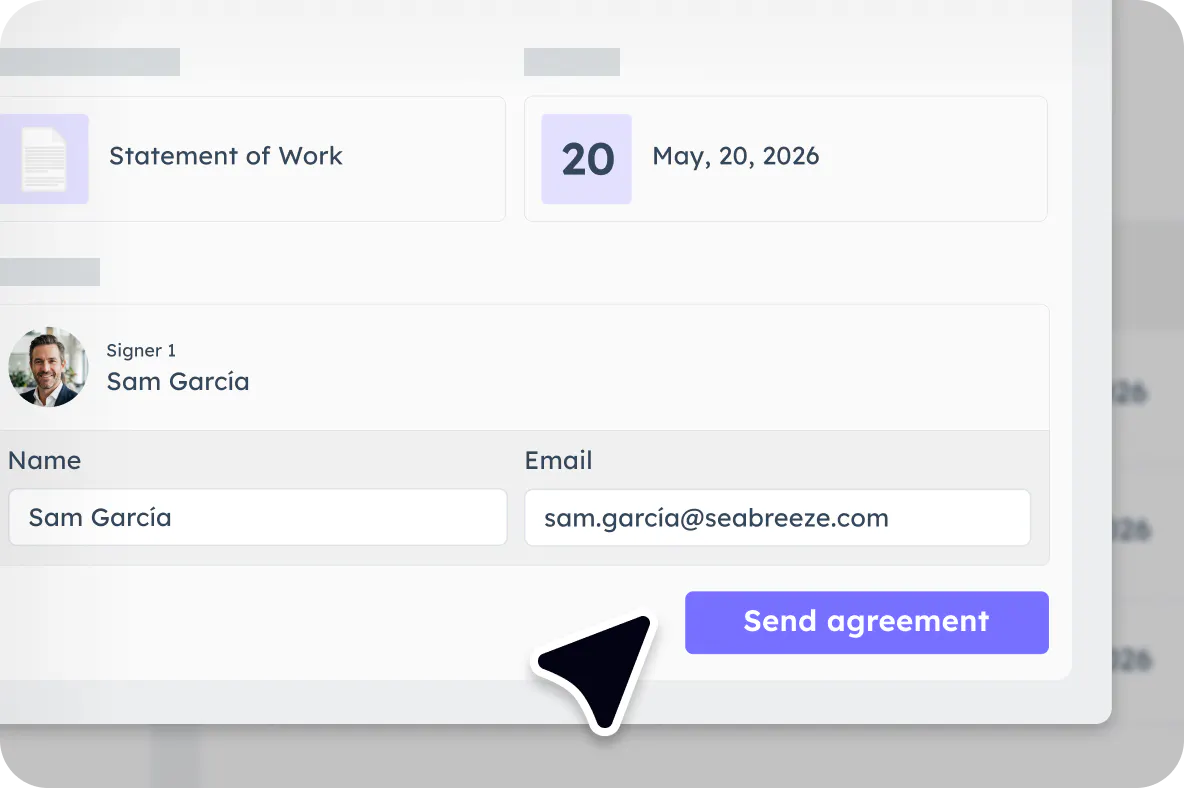
Send for signature from the record page
Add the Lumin app card to Deal, Company or Contact pages, whichever matches how your team works. Pick a template, set a due date, add signers and viewers, then send. Lumin chases unsigned agreements with automatic reminders.
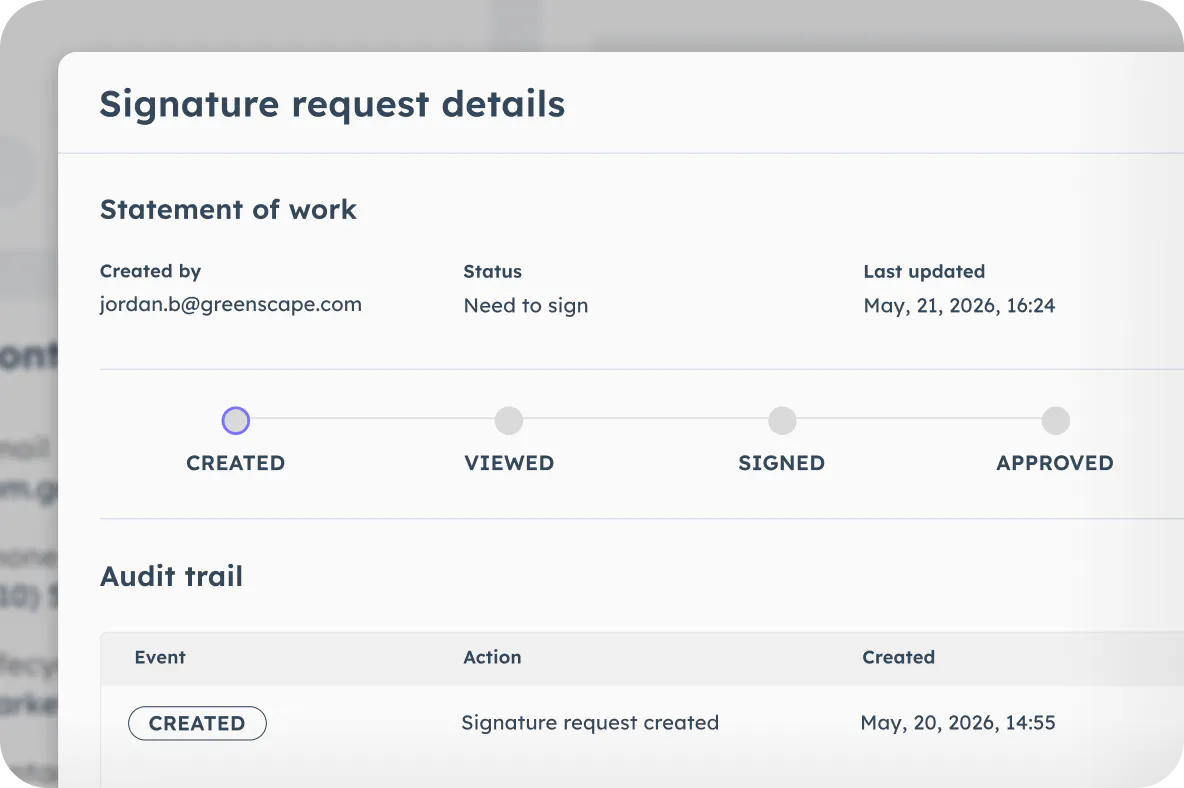
See exactly where every agreement sits
Statuses update as recipients view, sign or decline, and the signed agreement lands in the record's attachments the moment the last signature is in. Open any request to see who did what, when, with the full audit trail behind it.
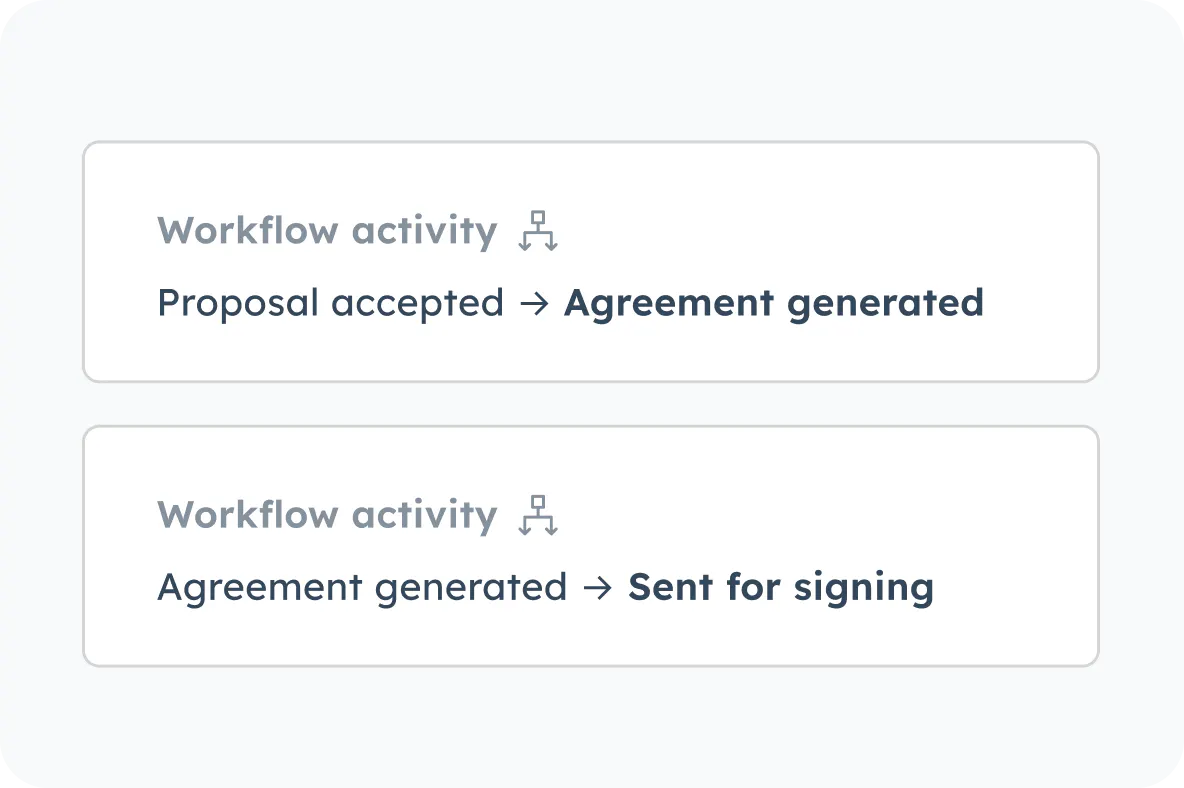
Let HubSpot Workflows do the sending
Trigger agreement creation and sending on CRM events, so a contract goes out when a deal hits the stage you nominate. No one has to remember to send it.
How to get started with Lumin for HubSpot
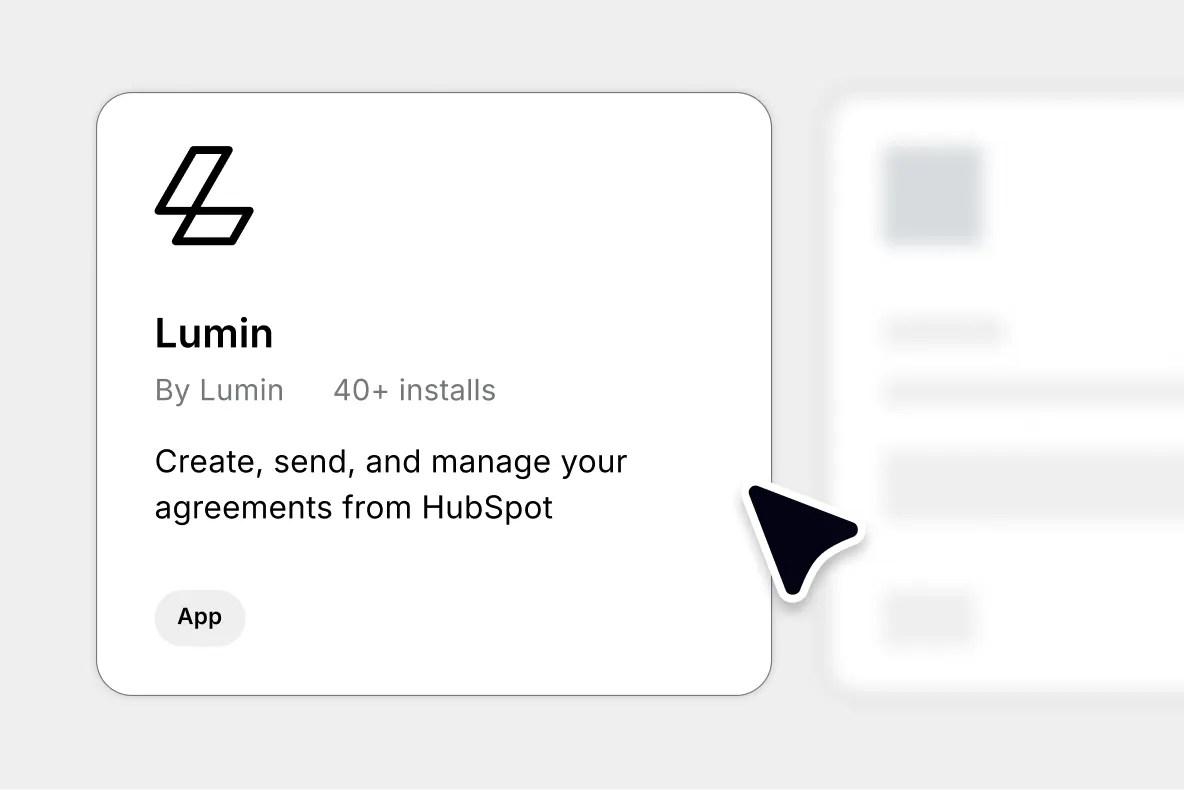
Connect Lumin to HubSpot
Install the Lumin app from the HubSpot marketplace and grant it access. You'll need a Lumin workspace on the Pro plan with Sign licenses assigned.
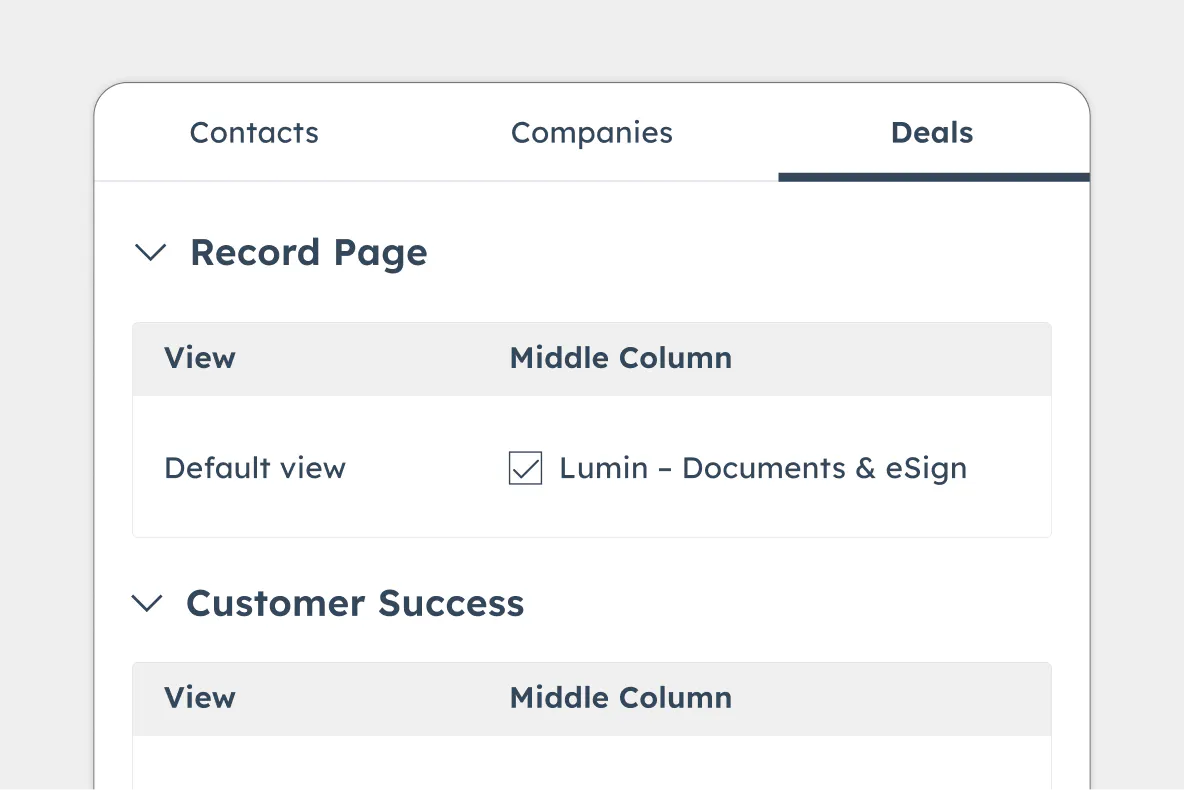
Add Lumin to your records
Add the Lumin app card to the record pages your team sends from, then connect your Lumin workspace. A HubSpot admin does this once.
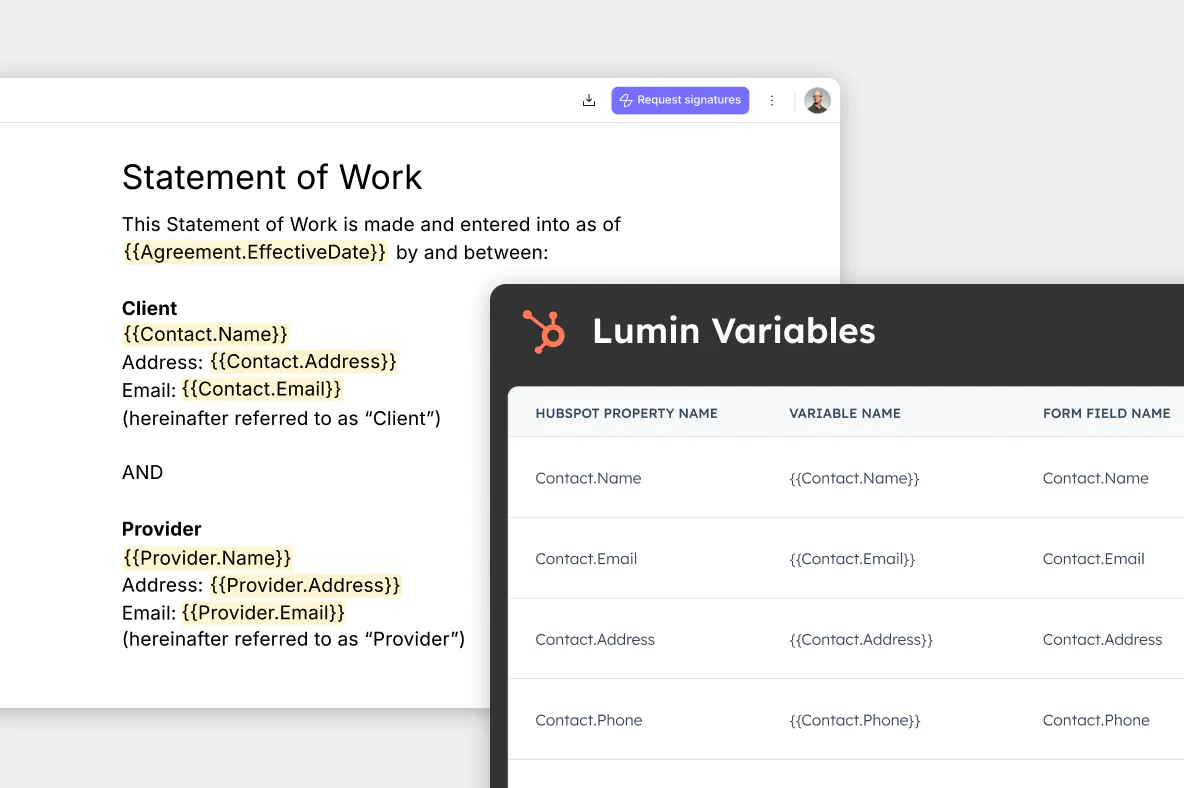
Create your agreement template
Upload a contract into AgreementGen or generate one with a prompt, assign signer roles, then paste in your HubSpot variables. Your template is now live for everyone.
Enterprise functionality at startup prices
Get started with Lumin for HubSpot for $18 USD per month, with a 14-day free trial.
Frequently asked questions
A HubSpot marketplace app that puts agreement generation, eSignatures and document tracking inside your CRM. It reads your HubSpot record properties to build the document and writes signature status back to the record.
Contact, Company and Deal records. You choose which ones show the Lumin app card, so it lands where your process already runs.
No. A HubSpot admin installs the app and adds the card, and template mapping happens by copying variables and pasting them into your document. Existing contracts work too, just upload them into AgreementGen.
The signed agreement attaches to the HubSpot record automatically. Certificates of Completion are available to download and attach whenever your team needs them for a compliance file.
No. Signers open the request and sign without creating a Lumin account.
Yes. HubSpot properties are read only, never written back, and all data transmission is encrypted. Lumin maintains SOC 2 compliance. Read more about how we keep your data secure.