
Transform the way you work with Lumin
Unlock seamless document workflows with OneDrive + Lumin.

You're in good company







Microsoft integrated PDF editor
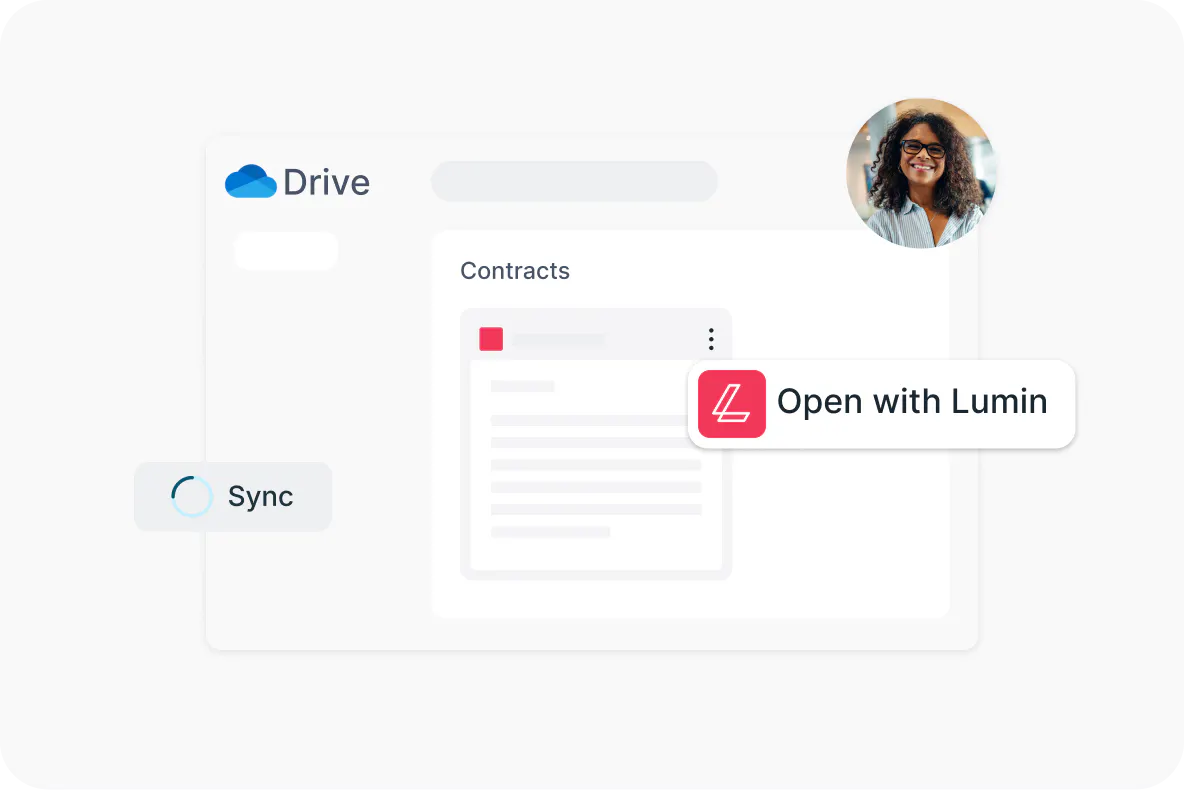
Cut time and tools by consolidating your online PDF editing process. Open documents directly into Lumin from OneDrive, edit them, then sync them back to your Microsoft storage.
PDF editing made easy

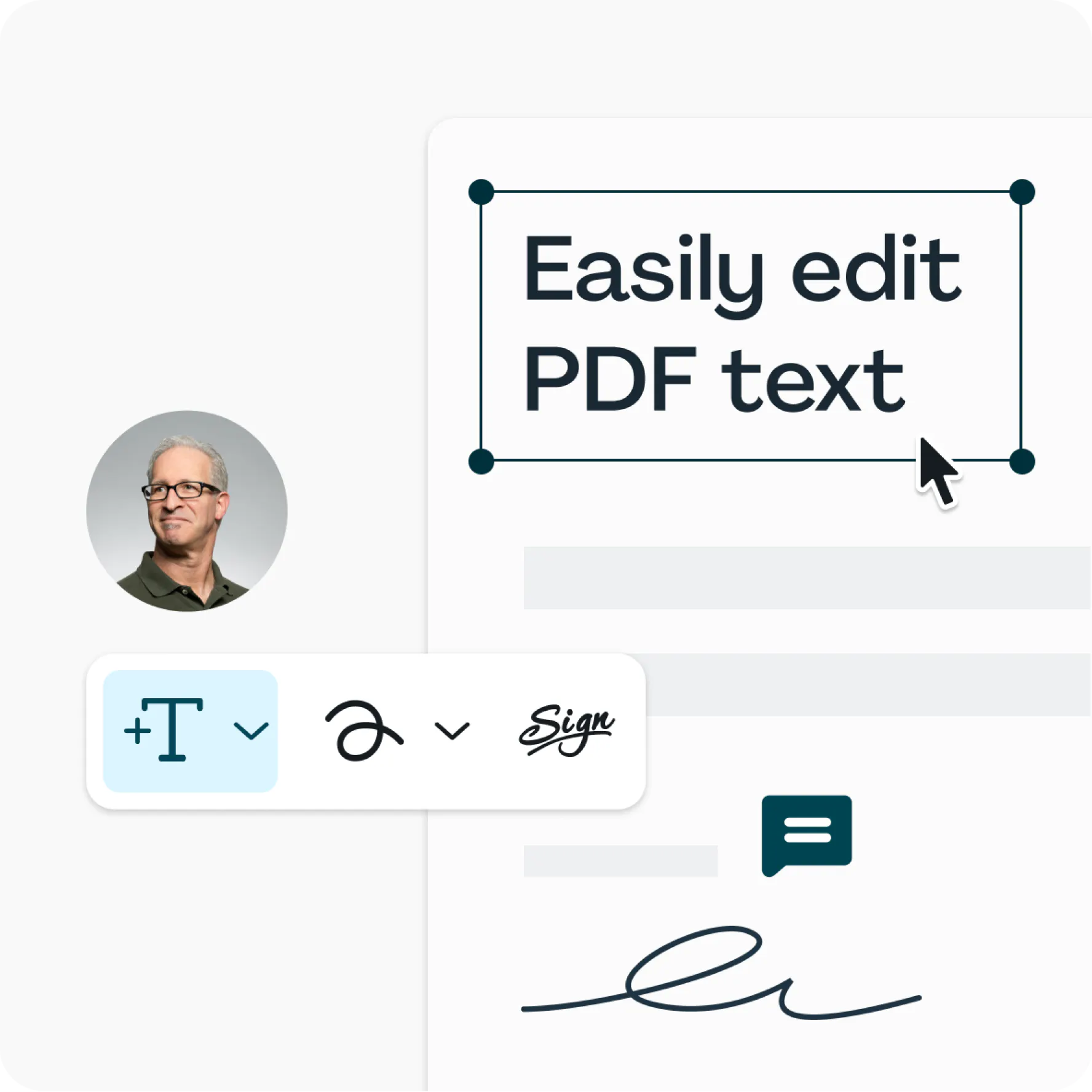
Easily edit PDF text
No more workarounds. Use our Edit PDF text feature to directly make updates to your PDF content.

Sign documents online
Ditch the printer and eSign your PDF in seconds. Add safe and secure signatures and initials to any PDF for free.

Merge, split and extract pages
Put your PDFs in order with Lumin’s Page Tools: merge, split, crop, add, delete or rotate PDFs in seconds.
Do more with Lumin
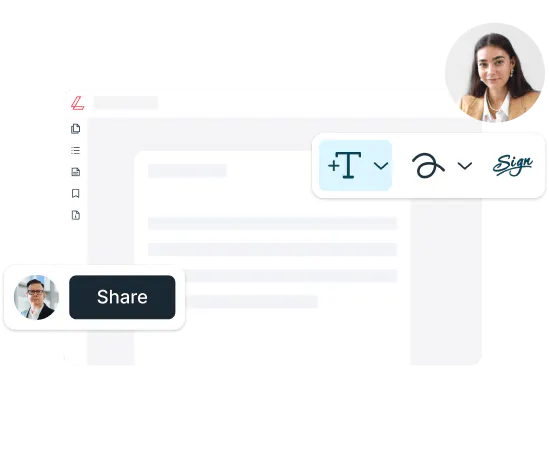
Invite coworkers to edit PDFs with you. Share and build documents, create secure spaces and form Spaces to focus on internal work.

Lumin is integrated with Google Workspace, so any edits made here will be synced right back to Google. Never worry about hitting save again.
Our cloud based software lets you work from any device without disruption. Use Lumin from your computer, tablet or mobile device.

Good tools should be accessible to everyone. That’s why we provide common PDF editing tools for free: you can digitally sign, annotate and share.
OneDrive + Lumin
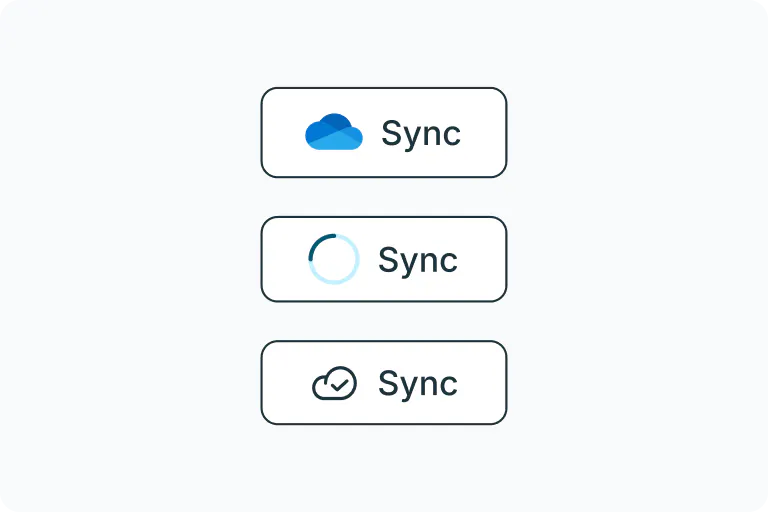
Keep your work in sync
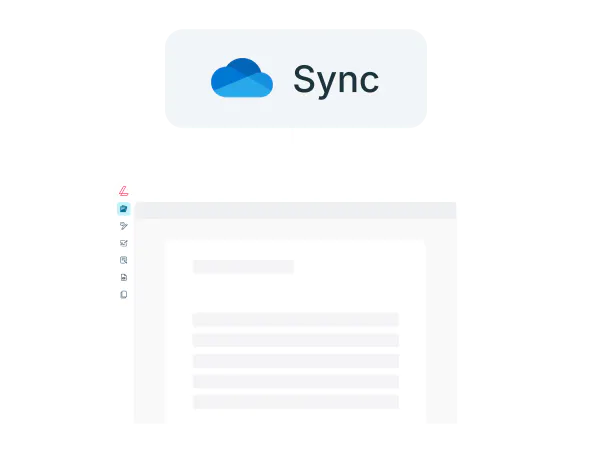
Any changes you make can be synced back to OneDrive, ensuring your files are always up to date. Available for Business and Enterprise plans, this feature ensures you keep your teams aligned.

Empower your entire organization
Enable Lumin across your organization and unlock efficiency for every team member. Driving collaboration and productivity to new heights.

Access Lumin anytime, anywhere
Discover cross-platform availability with mobile and desktop apps. Whether you're at your desk or on the go, you can edit and manage your PDFs effortlessly.