
How to Crop a PDF
Do you want to trim the edges of a document? Cropping a PDF helps remove extra margins and adjust your file for presentations, giving your work professional look. Additionally, this process eliminates visual clutter and ensures your content is perfectly framed for your audience.
Table of contents
- 1. Method 1: Crop a PDF with Lumin’s online tools
- 2. Method 2: Crop a PDF using Lumin’s online PDF editor
- 3. Method 3: How to crop a PDF on Windows using Snipping Tool
- 4. Common questions about cropping PDFs
- 5. Crop your PDF now
Share this post
In this guide, we will cover the best ways to crop your files, answer the most common questions from users, and provide quick tips for keeping your PDFs clean and consistent. By following these steps, your documents will be ready for presentations, reports, and professional sharing.
Method 1: Crop a PDF with Lumin’s online tools
The fastest way to crop a PDF is to use a dedicated online editor like Lumin. This method is ideal because it works on any device (Windows, Mac, or mobile) without requiring you to download heavy software.
Follow these steps to crop your file:
- Sign in or log in to Lumin and upload your PDF to the free Crop PDF tool.
- In the Crop page settings, choose your page range (All pages, Current page, or Specific page).
- Set the Crop type to either "Crop the page box" or "Crop the margins."
- Customize the dimensions according to your liking.
- Click “Apply” to process the changes.
- Download the updated file or save it directly to Google Drive.
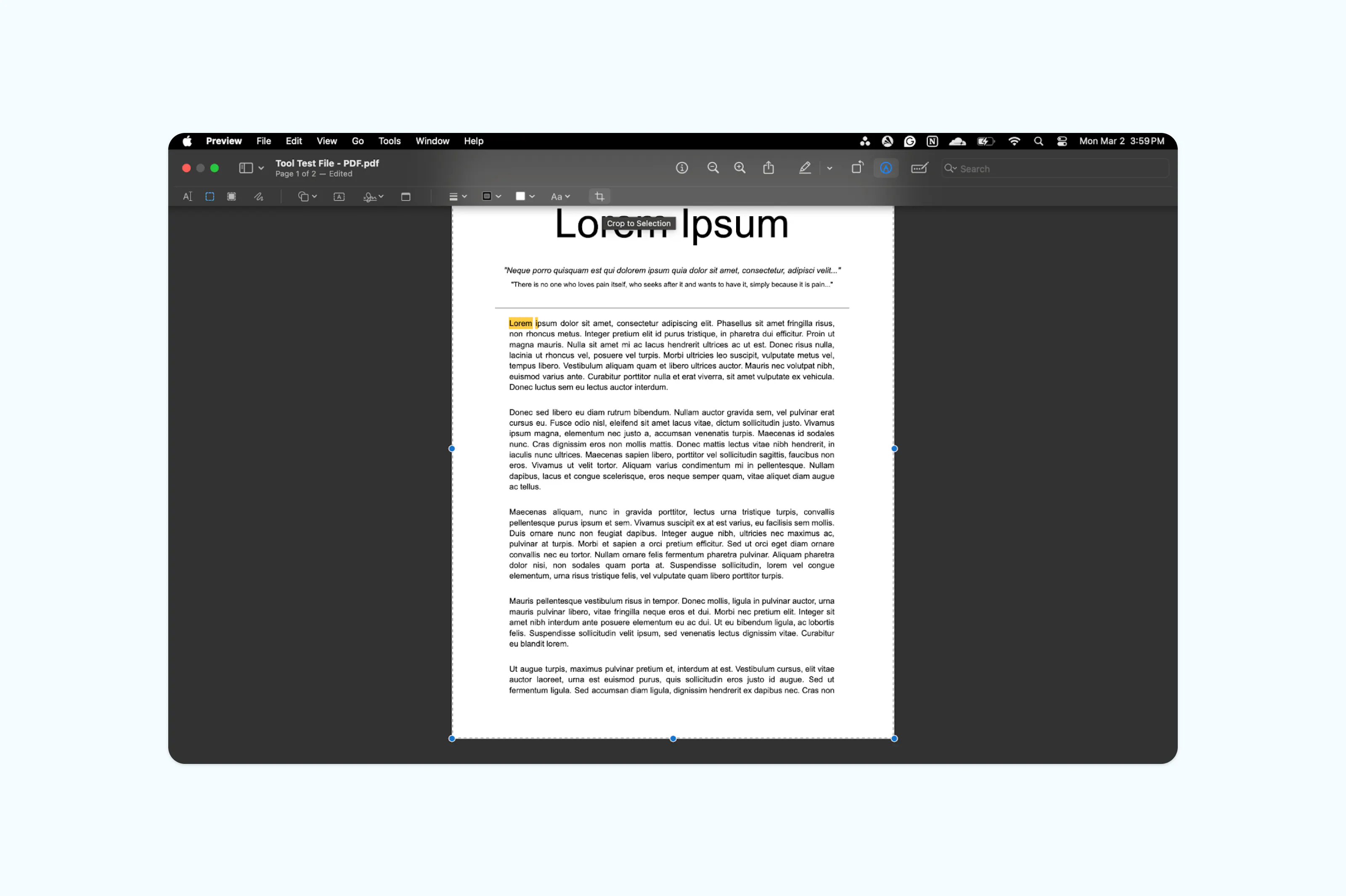
Note: Preview crops the visible area of the page but does not permanently delete hidden content. If you need to permanently remove cropped content for security reasons, consider using a dedicated PDF editor.
Method 2: Crop a PDF using Lumin’s online PDF editor
If you want more precise control or are working across devices, Lumin’s browser-based editor provides additional flexibility.
Here’s how to crop your PDF with Lumin:
- Sign in or Log in to Lumin and upload your PDF to the free Crop PDF tool.
- In the crop settings, choose your page range (All, Current, or Specific).
- Set the Crop type to either "Crop the page box" or "Crop the margins."
- Customize the dimensions according to your liking.
- Click “Apply” to process the changes.
- Download the updated file or save it directly to Google Drive.
Note: While Preview hides the areas you crop, the original data remains within the file. To permanently erase sensitive information for security purposes, use a dedicated PDF redaction tool.
Method 3: How to crop a PDF on Windows using Snipping Tool
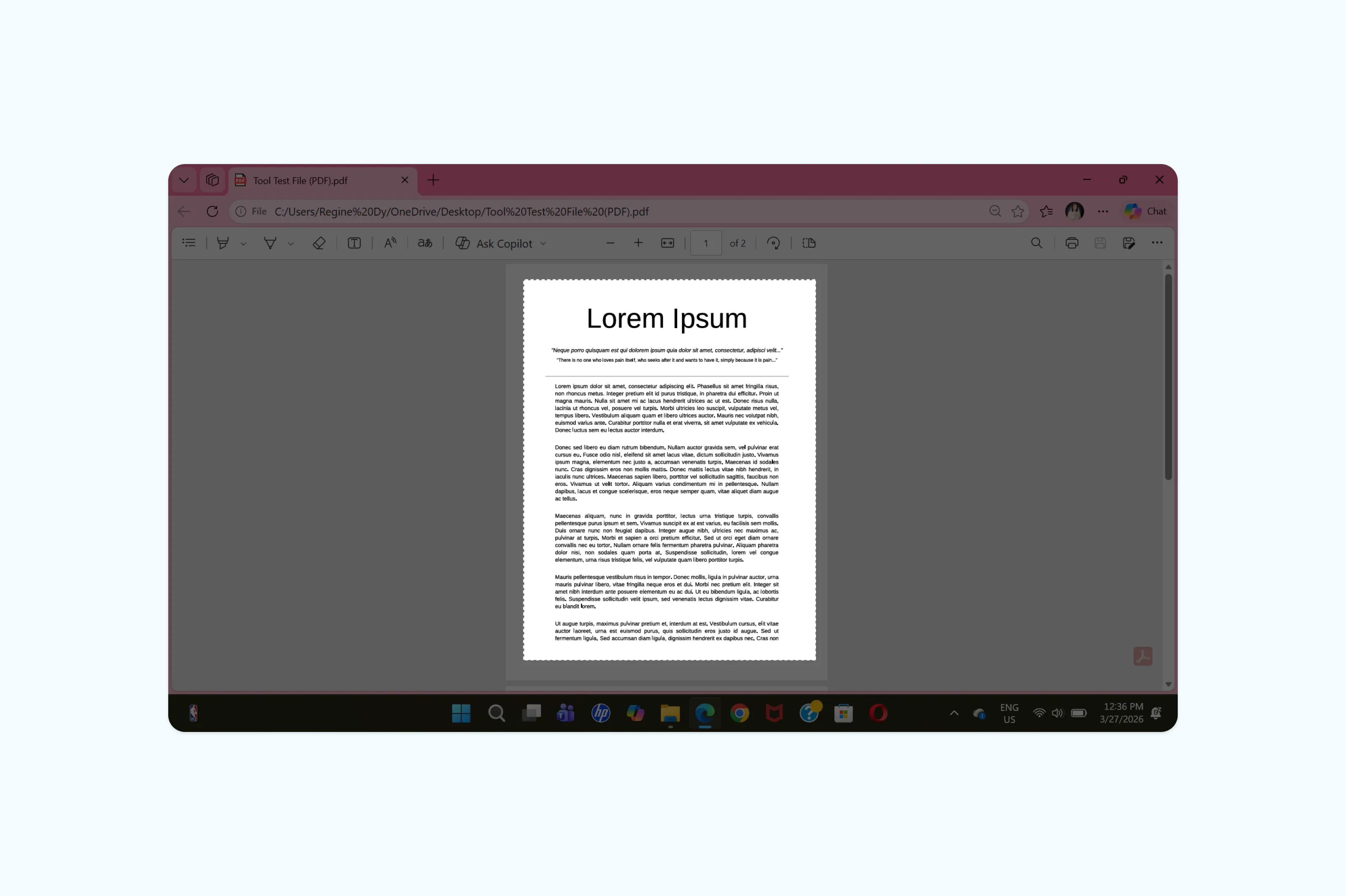
Windows users can use the built-in Snipping Tool for a quick visual crop if they need to turn a PDF section into an image for a presentation or document.
- Open your PDF in any viewer or web browser.
- Press Windows Logo Key + Shift + S.
- Use your mouse to draw a rectangle around the area of the PDF you want to capture.
- The cropped selection is automatically copied to your clipboard.
- Paste it into a Word doc or save it as an image file.
Common questions about cropping PDFs
Can I crop a PDF for free?
Yes. You can use built-in tools like Preview on Mac or free online editors like Lumin to trim your pages without a subscription.
How do I crop a PDF without losing quality?
Cropping simply changes the visible boundaries of the page. It does not compress the images or text within the file. Using a high quality editor like Lumin ensures your resolution remains sharp.
Is there a way to crop all pages in a PDF at once?
Most advanced editors like Lumin allow you to select “All pages,” “Specific pages,” or the “Current page.” This is essential when you need to remove uniform white space from a 50-page report.
Can I undo a crop?
If you are using an editor like Lumin, you can revert changes. However, once you "flatten" or permanently save a file in some programs, the cropped data is discarded to save space.
Crop your PDF now
Start cropping your PDF to remove extra space and create a more refined document. It’s a quick way to improve both readability and presentation.
For more helpful tips, check out these guides on working with PDFs. They include practical steps for editing, saving, and customizing your files.

Share this post