
Document generation: What it is and how it works
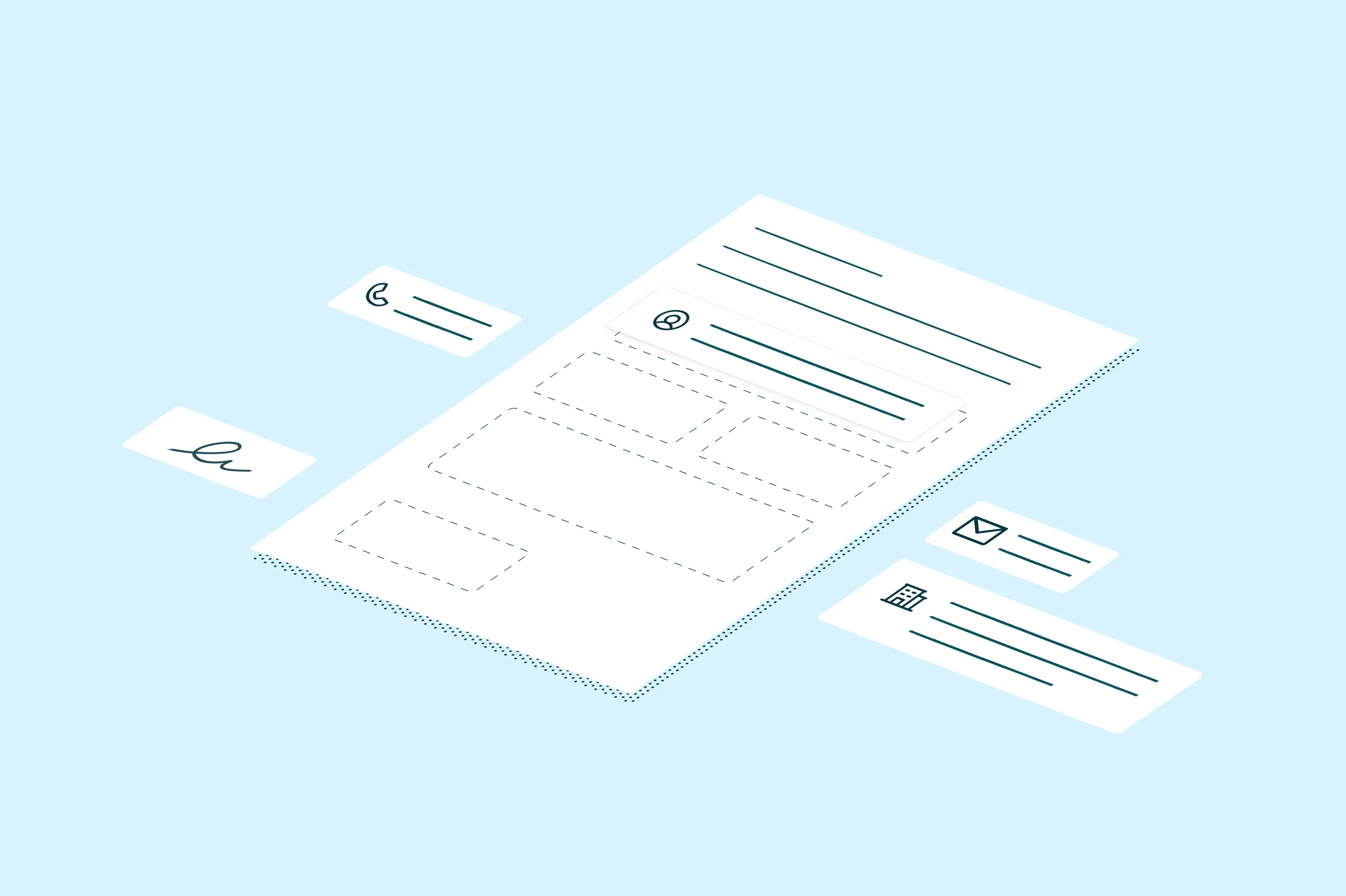
Copying last month's proposal and swapping in new details is how a lot of documents get made, and it's how old customer names and outdated pricing slip through. This guide explains what document generation is, the three pieces behind it and the documents it suits best.
Table of contents
- 1. What is document generation?
- 2. How does document generation work?
- 3. What is document generation used for?
- 4. Create documents from the data you already have
Share this post
Creating a new proposal, contract, or quote often starts with an old one. You make a copy, replace the customer name, update the dates and pricing, adjust a few terms, and send it out.
That approach may be familiar, but it also makes it easy to miss something. Maybe the previous customer’s name is still listed somewhere in the document, the pricing hasn’t been updated, or an old contract clause carries over when it shouldn’t. Even when everything is correct, someone still has to spend time finding and replacing information that may already exist somewhere else.
That’s the work document generation software is designed to take over. Instead of rebuilding the same types of documents by hand, teams can use existing data to create a new version from a reusable template.
What is document generation?
Document generation is the process of creating a finished document by combining a template with data pulled from a system that already stores it.
Say a sales team needs to prepare a service agreement. The basic language and layout may be the same for every customer, while details such as the company name, contract value, services, and start date change. With document generation, those details can come directly from the business system where they already live instead of being copied into the agreement by hand.
Document generation relies on three basic pieces:
- A data source: This is where the changing information comes from, such as a customer relationship management (CRM) system, database, or form submission.
- A document template: The template contains the structure, formatting and language that stay consistent, along with placeholders for the information that changes.
- A document generation engine: This is the software that brings the data and template together to create the finished document.
You’ll also see document generation discussed alongside document automation. They do overlap, but document generation usually refers to creating the document itself. Document automation can go further, covering steps such as approvals, eSignatures, delivery, or storage.
How does document generation work?
Details vary by software, but the process starts with a reusable template and the data that goes into it.
1. Create a document template
Start with a document your team already uses, such as a quote, offer letter, or agreement. Identify which parts should remain consistent and which details need to change each time.
Anywhere the information changes, you add a placeholder to the template. A service agreement, for example, might include placeholders for the customer name, service package, price, and contract dates.
2. Connect the template to your business data
Now the software needs to know where to find each piece of information.
If the template calls for a customer name, for example, it might pull that value from the account record in a CRM. The contract amount could come from the associated deal. Map those fields once, and the template knows where to look the next time you generate a document.
This setup is usually done once for a reusable template, and many document generation tools let business users configure templates and fields without writing code.
3. Generate the document
When you need a new document, the generation engine retrieves the appropriate data and merges it with the template.
Depending on the software, someone might generate the document with a click, or the process might happen automatically after another action. The finished version contains the data for that specific customer, employee, transaction, or other record.
4. Send, sign, or store the finished document
Once the document exists, it usually still needs to be sent somewhere. For example, a proposal might be sent to a customer, or a completed agreement saved back to a customer record.
Those steps don’t necessarily require a separate process. With Lumin, for example, a generated document can move directly into an eSignature workflow rather than being downloaded and handled separately.
What is document generation used for?
Document generation works especially well when the basic document stays the same, but some of its details change each time.
Common document generation use cases include:
- Proposals and quotes
- Order forms
- Service agreements and nondisclosure agreements (NDAs)
- Employment offers and onboarding documents
- Invoices
- Certificates
In each case, much of the document can stay the same while the details change.
Take a look at how your team creates documents today. If the process regularly starts with “make a copy of the last one,” it may be a good candidate for document generation. The goal is to stop reentering information that already exists while keeping the parts of the document that should stay consistent.
Create documents from the data you already have
Document generation doesn’t change the basic documents your team needs. It changes how much manual work goes into creating each new one. Once the template and data connections are in place, you can reuse the same setup whenever you need another version.
Learn how Lumin document generation can turn existing business data into ready-to-use documents.

Share this post