Create ready-to-sign documents in moments
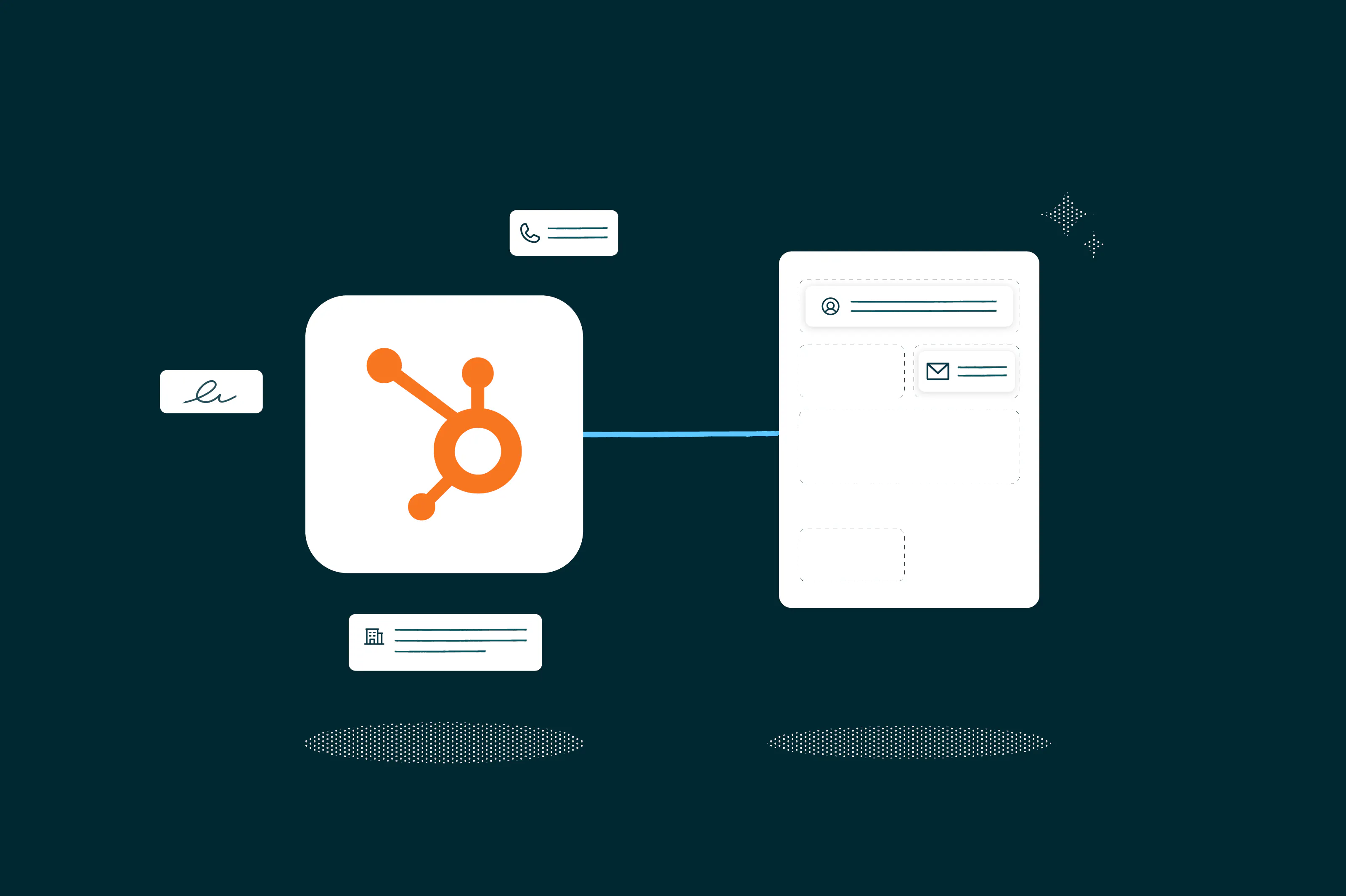
Turn the data you already hold, in your CRM or your own systems, into finished, ready-to-sign documents. Map a template once and every agreement builds itself from the data, then goes straight out for signature.
Create documents straight from your CRM records
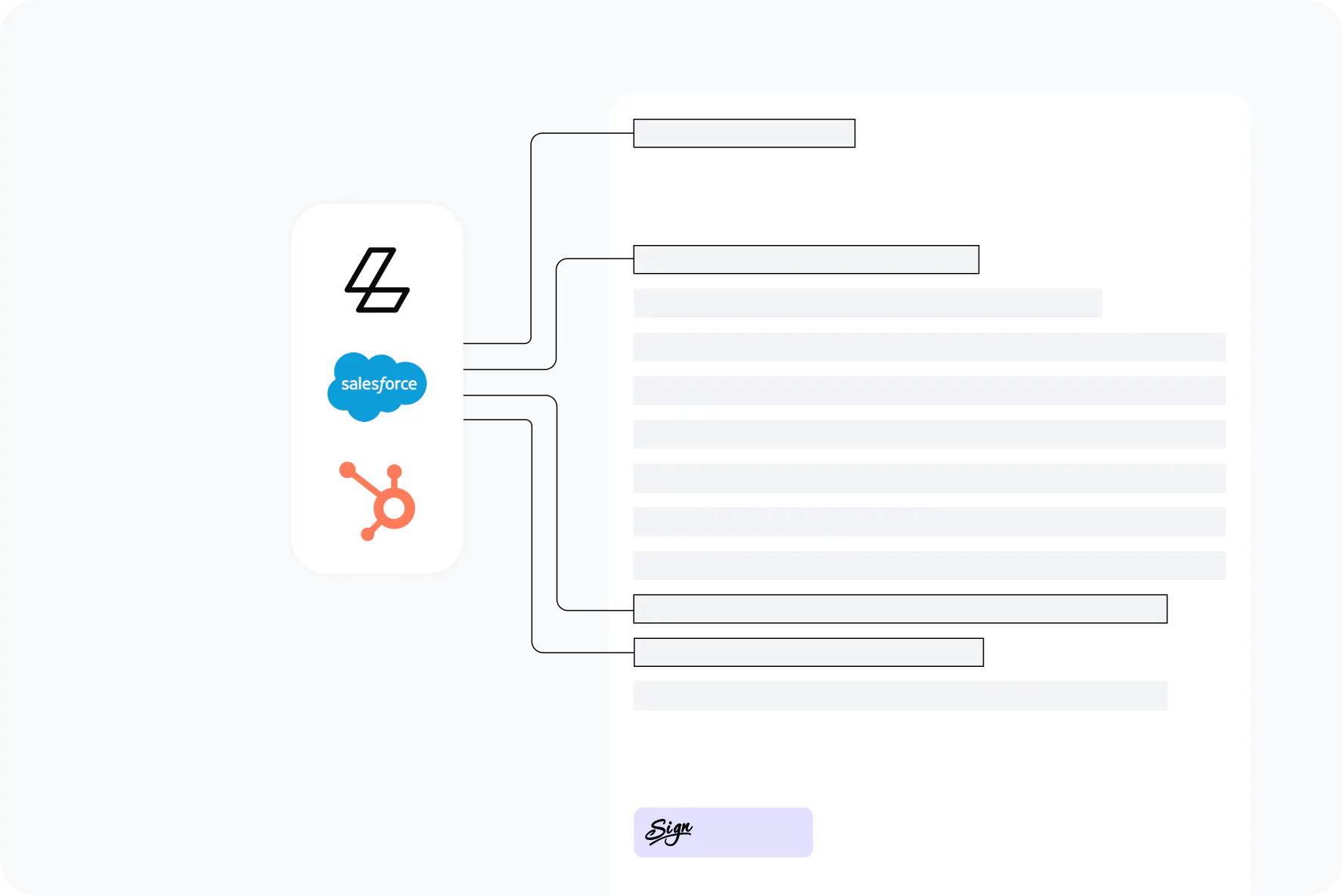
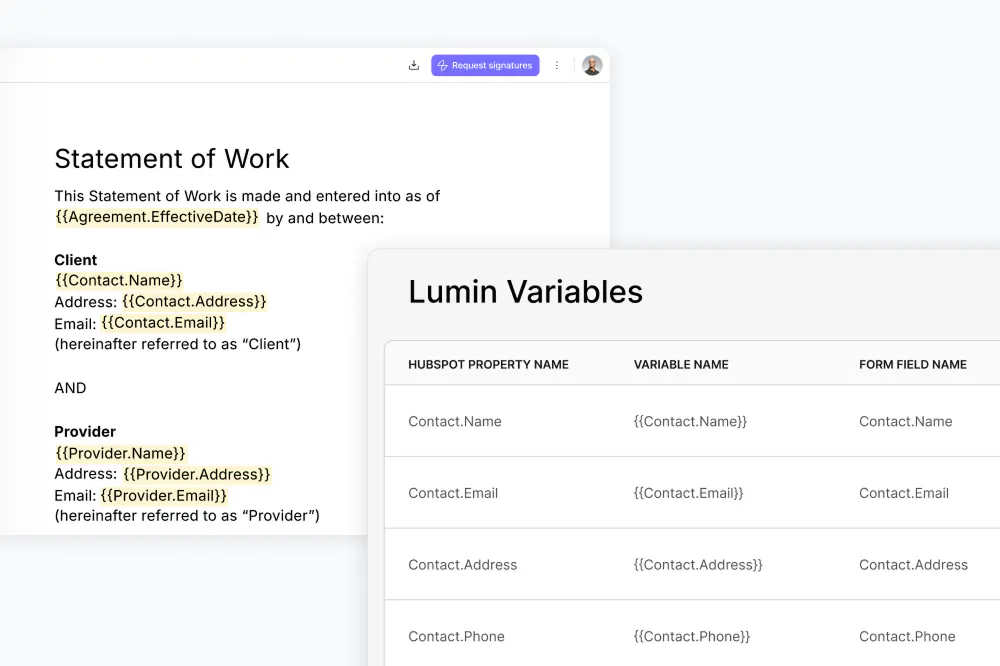
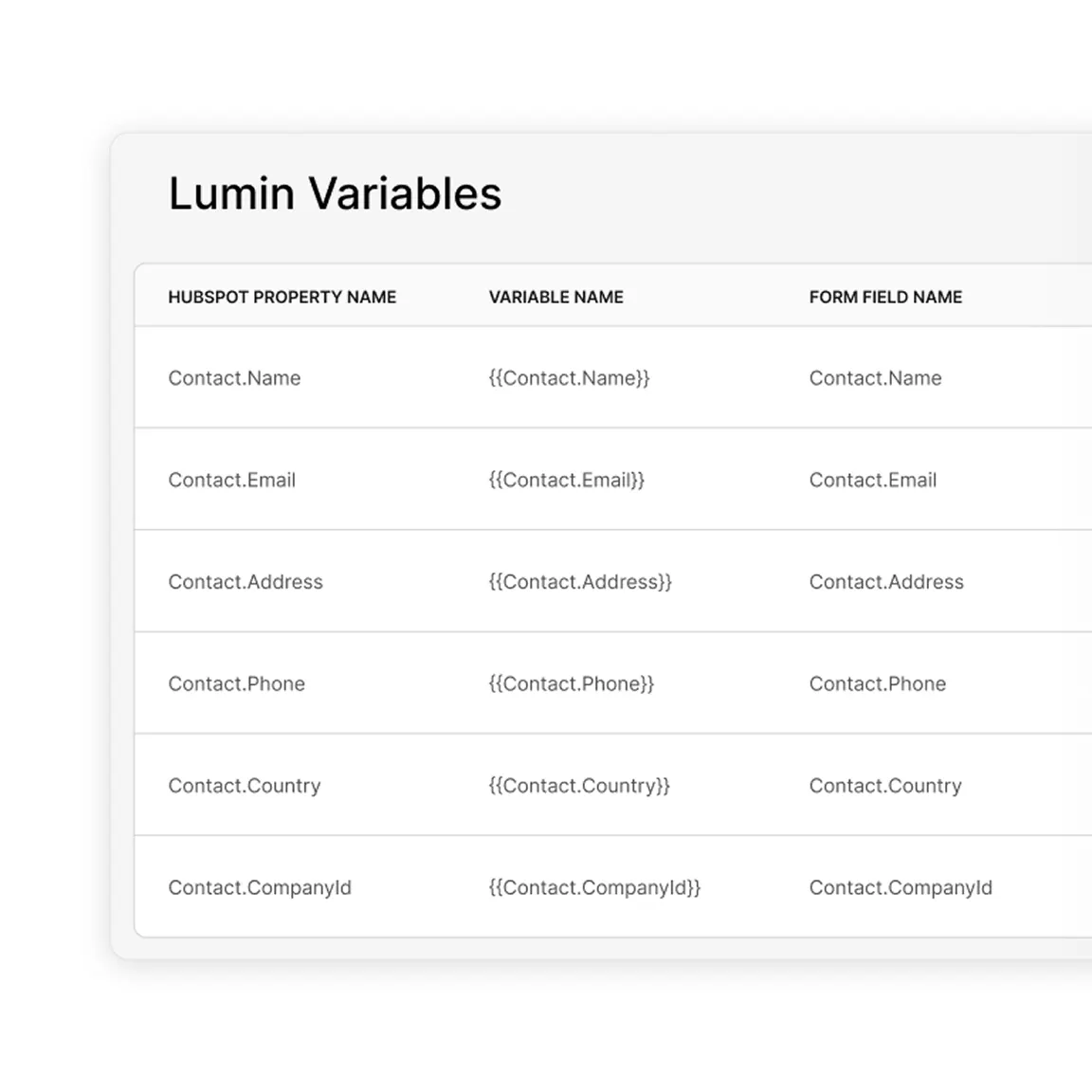
Connect your template fields to Salesforce or HubSpot objects once, and the details flow in every time after that. Contact names, company details, deal values and dates populate on their own.
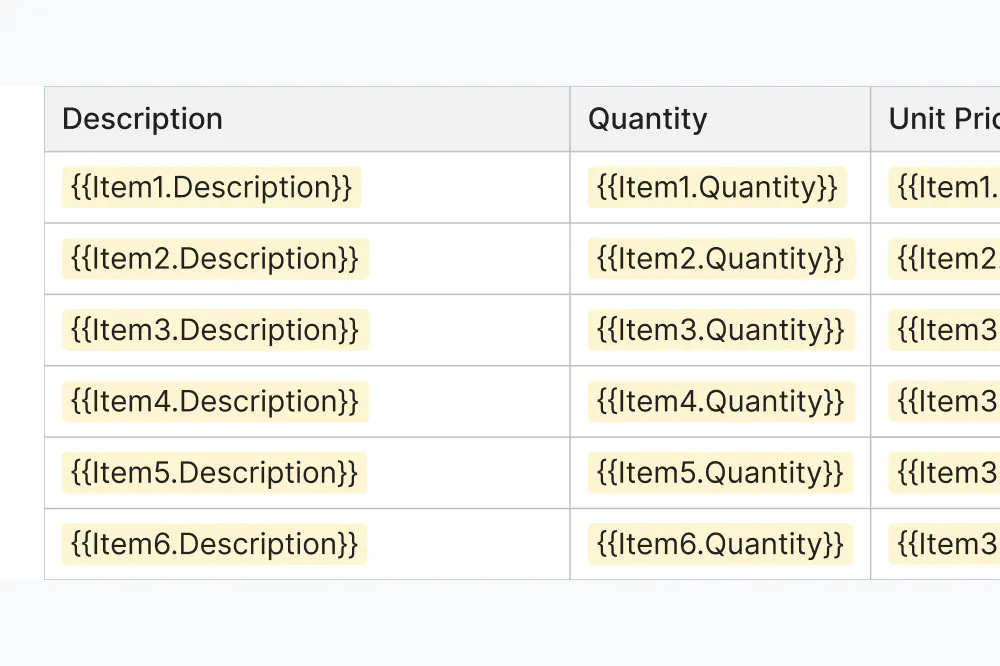
More than single fields: full line-item tables
Pull one value like a client name, or a whole related list like quote and invoice line items that expand into repeating table rows. Proposals, quotes and order forms come out complete, with the numbers already in place. It's CPQ built straight from the data you already hold.
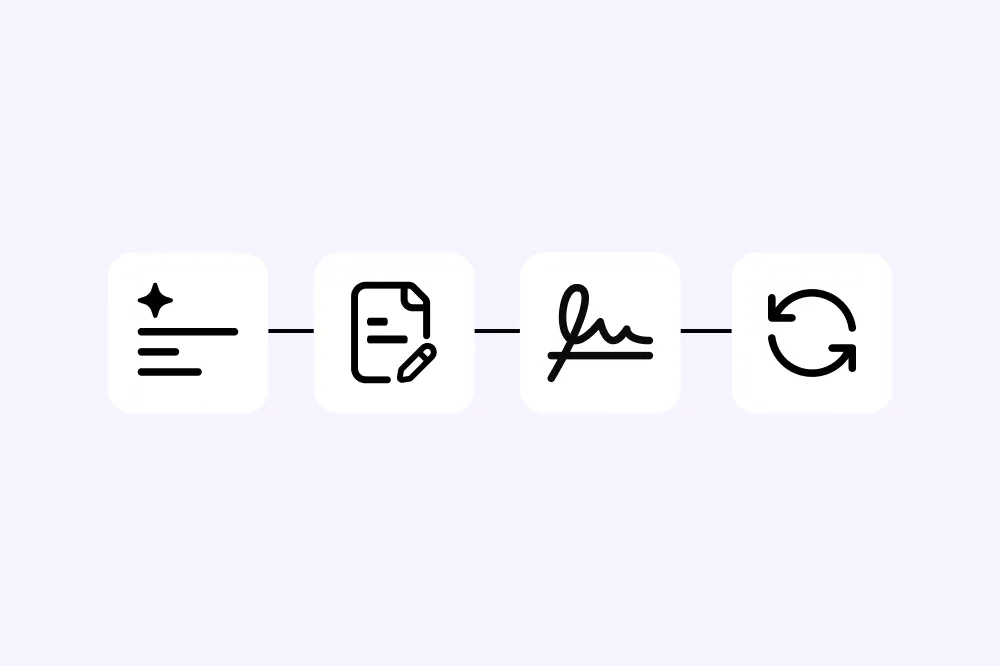
Create, edit, sign and sync in one flow
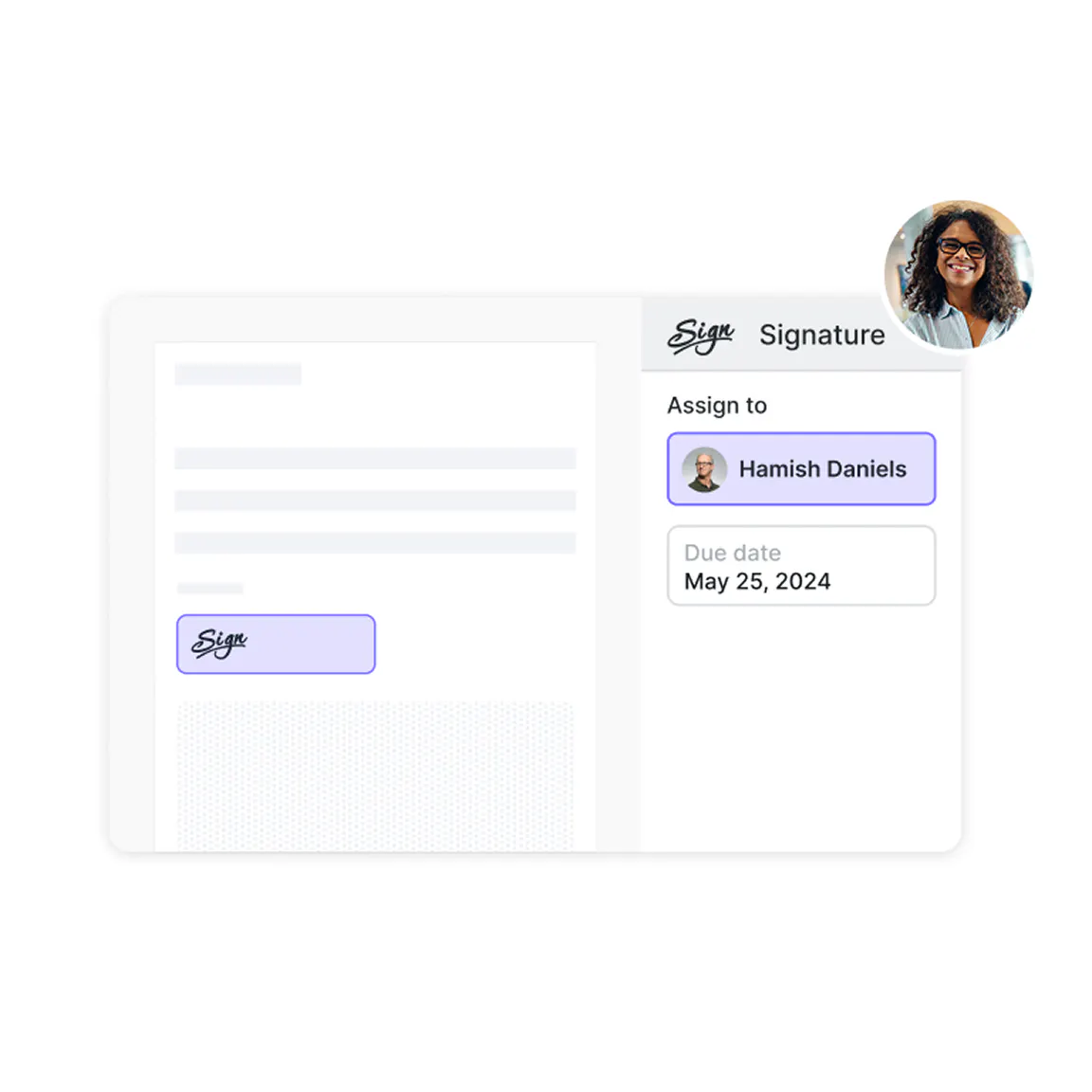
Signer roles and field positions are set when you build the template, so there's no re-placing signature boxes afterward. Review or edit the document before it goes out, then it flows into Lumin Sign, and the signed copy syncs back to the right record with a full audit trail.
Integrate with your CRM or your own product

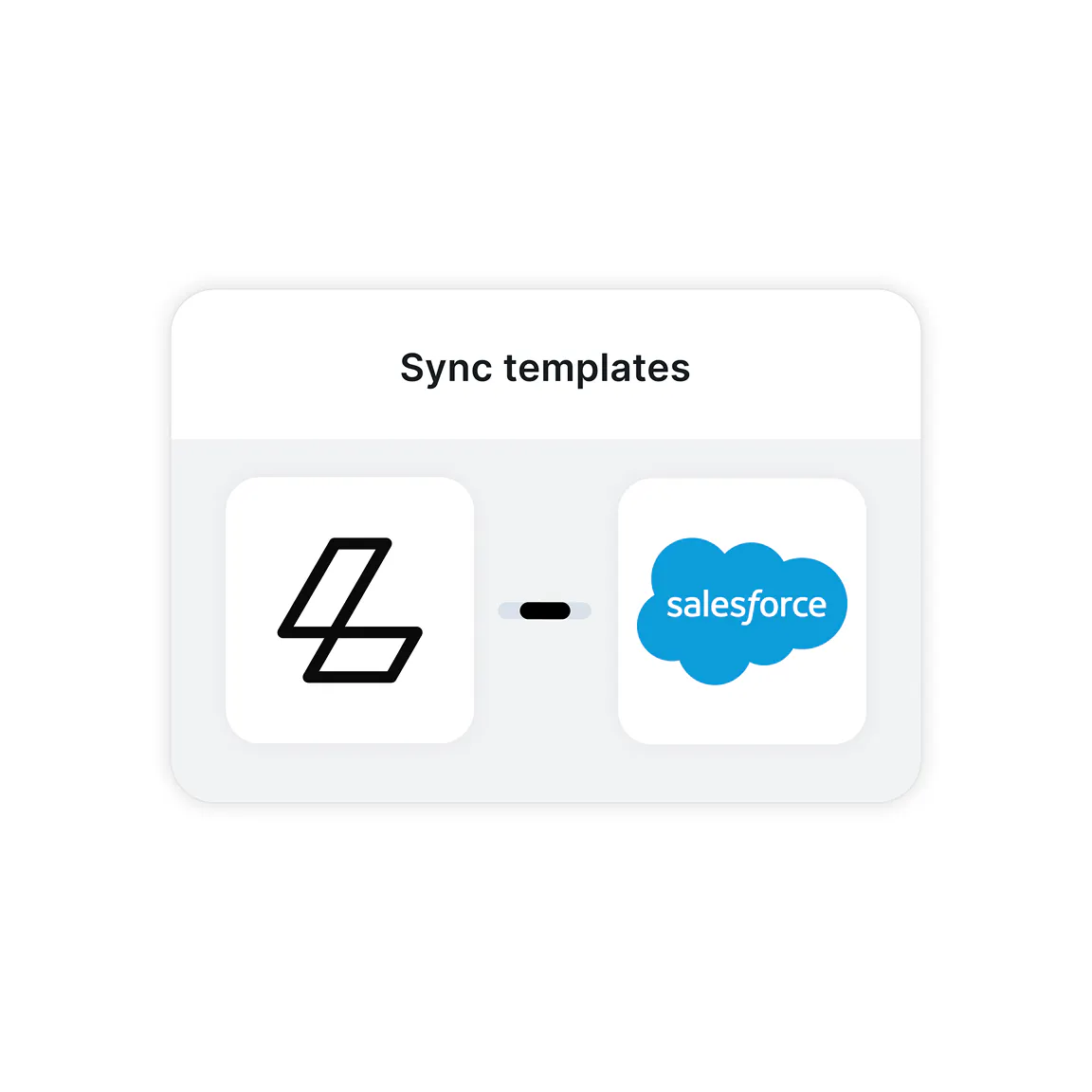
Create documents from any Salesforce record, send for signature and store the signed copy back against the record.

Auto-fill agreements with HubSpot data from Contact, Company and Deal records, send for eSignature and attach the signed document back to the record automatically.
Build document generation into your own product or internal tools, with data from any system, not just a CRM. Same templates, same signing, called on your terms.
How it works
1
Set up your template
Map your template once. Connect template fields to your CRM objects or your own data source. No code, set up by an admin or ops.
2
Create and edit from your data
Run the template against any record and Lumin fills in the values, from single fields to line-item tables. Review, edit or collaborate on the document before it goes out.
3
Send and store
The document flows into Lumin Sign for signature, then syncs back to your CRM or wherever you need it.

“Salesforce is very strong on business automation, and Lumin is very strong on generating templated documents and eSignature. Together, it’s a winning combination.”
Frequently asked questions
A document generation engine you can use as a native CRM app or through the Lumin API, pulling data from your CRM or any other system into your templates to create ready-to-sign documents, without switching apps or manual data entry.
Salesforce and HubSpot today, as native apps on the Salesforce AppExchange and the HubSpot Marketplace. You can also generate documents through the Lumin API, calling it from your own product, internal tools or AI agents, with data from any system.
The CRM apps need no custom code or technical configuration. If you can use your CRM, you can use Lumin. The API is there for when developers want to build document generation into their own product.
No, recipients can sign documents without creating accounts or complicated authentication processes, making the signing experience frictionless for your clients.
Yes. All data transmission is encrypted, and we maintain SOC 2 compliance with enterprise-grade security standards. Learn more about how we keep your data secure.
Absolutely. Import your current templates and map them to your CRM fields or API data once for automatic population going forward.
More on document generation