
Choose your plan
Gives you access to
Lumin Sign
AgreementGen
Lumin Templates
Free
Streamline your contracts
$0 USD
Free includes:
- Legally compliant eSignatures
- Add fillable fields
- Add multiple signers
- 5 free documents per workspace per month
Most popular
Pro
Efficient and secure contracts, at scale
$18 USD
per user, per month
Everything on Free, plus:
- View outstanding contract status
- Send automated email reminders
- Amend due dates
- Priority support
- Certificate of completion
- Unlimited signing templates
Enterprise
Enterprise-grade signing solution for organizations
Get a solution tailored to your needs
Everything on Pro, plus:
- Lumin Sign API
- Dedicated customer success manager
Trusted by over 0M professionals worldwide







Introducing Lumin AI
Introducing Lumin AI
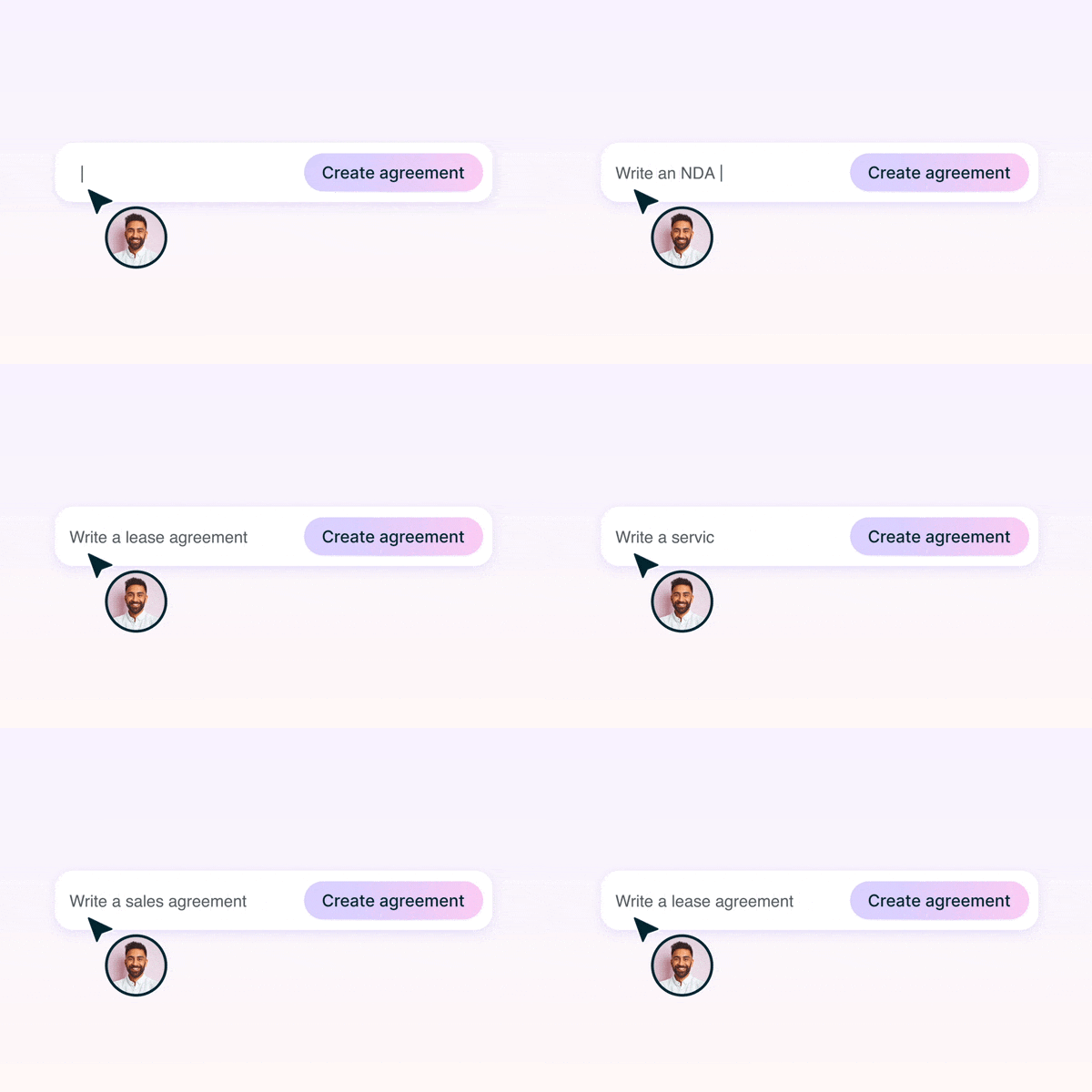
Transform work with Lumin AI

Scalable AI designed to enhance the speed and precision of your workflows across all our products.
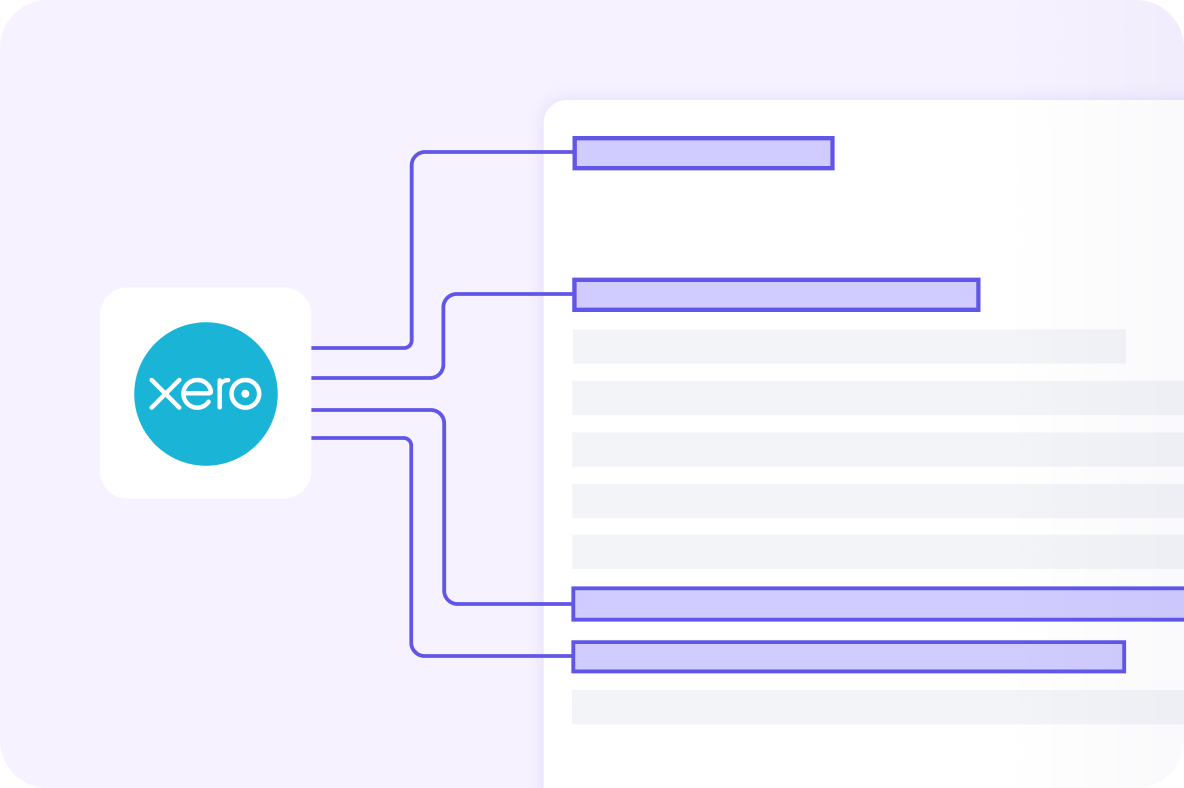
6 months of Xero free with Pro
Connect Lumin to Xero and let your documents flow straight into your accounts.
- Sync invoices, quotes, and signed agreements instantly to Xero
- Eliminate manual entry and reduce costly errors
- Get paid faster with accurate, automated records
Price$0Starts at $18/monthContact us
Document stack5 docs/workspace/
month100 docs/workspace/
monthContact us
month100 docs/workspace/
monthContact us
Legally compliant signatures
Create fillable fields
Add due date
Multiple signers
Store and download
Certificate of completion
Timestamped audit trail of all document events.
Track document's progress
View and track the status of your signature workflows from creation to approval.
Automated emails
Amend due dates
Signing templates
Save and reuse document templates with predefined fields, signatures, and recipient roles.
Priority support
Dedicated customer success manager
Lumin Sign API

Lumin for non-profits
We offer discounts for non-profit organisations. We believe good software should be accessible to everyone.
Talk to salesFrequently asked questions
Does everyone signing the document need a Lumin Sign account?
No. When you send a document for signing, the receiver will be emailed a link to the document. This will take them to the document inside Lumin Sign, where they can sign and initial it. No sign-up necessary.Can I buy a plan for multiple users?
If you contact our helpful sales team they’ll be happy to set you up with multiple users. We don’t currently have an option to directly purchase this plan, but we’re working on it.How many documents can I send and sign?
On the free plan you can send 5 documents for signing per month, and on the Pro plan you start out with 100; you can scale this up to whatever you need. If you’re sending a huge amount of documents, contact sales to see if they can work out a customized plan for you.
If someone sends you a document to sign, this won’t count toward your total documents. You can sign as many contracts as people can send you!Can I send multiple documents at once?
If you need to send someone multiple documents to sign, we suggest merging them together in Lumin and sending as a single document via Lumin Sign.Can I set the signing order?
Your document will go out to be signed by everyone at the same time. We think it’s quicker this way. However, we will soon introduce signing groups so if you want to, you can set an order.How many people can sign a single document?
You can send a document to 20 people at one time. If more than 20 people need to sign, you will simply need to send the document out in batches of 20.What is a Workspace?
A Workspace is a shared space in Lumin Sign where your team can manage agreements together. It keeps your documents organized by project or team, with clear sections for what you’ve sent and what’s been sent to you.
Workspaces also include shared quotas, centralized settings, and support for integrations, making it easier to collaborate and stay in control.
Learn more in our Help Center article about Lumin Sign Workspaces.