
Small changes, big impact: What's new in Lumin
Author
Rosa Strawbridge
Published
Jun 27, 2025
Categories
PDF editing
Read time
2 mins
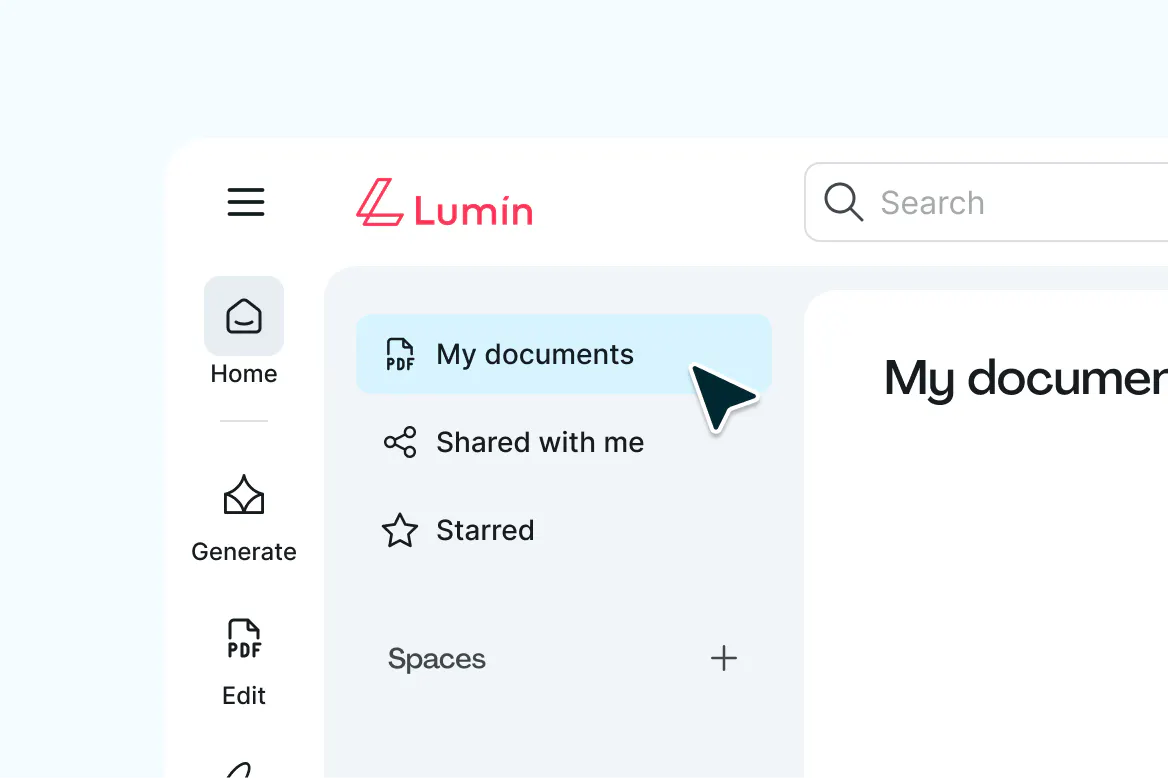
We've been listening to your feedback, and today we're excited to share the results. Our latest update to Lumin's document list interface makes everything you already do faster, cleaner, and more intuitive. Here's what changed, why it matters, and what it means for your daily workflow.
Table of contents
- 1. The real story behind this update
- 2. What actually changed (and why it matters)
- 3. The design philosophy behind it all
- 4. What stays exactly the same
- 5. What's next
Share this post
We've been quietly working on something we're genuinely excited to share with you. Today, we're rolling out a new update to Lumin's document list interface that makes everything you already do faster, cleaner, and more intuitive.
The real story behind this update
Here's the thing about product updates: they usually happen because something isn't working quite right. And honestly, that was the case here too. We kept hearing from users who loved Lumin's powerful features but found themselves getting a bit lost in the interface. Our document list, in particular, was cramped and hard to scan. Navigation felt cluttered. Collaboration features were buried where they shouldn't be.
So we did what any reasonable product team would do: we dove deep into the data, talked to users, and started rebuilding from the ground up.
What actually changed (and why it matters)
The most dramatic improvement is in document management. Our document list worked, but we knew it could work much better. Users were telling us they wanted to see more documents at once and access files more quickly. We took that feedback seriously and completely reimagined the experience.
When you open your document list now, you'll immediately see more files, clearer file information, and quick actions right where you need them. Want to star a document, share it with a teammate, or move it to a different folder? Those actions are now one click away instead of three.
We've also rebuilt our navigation from scratch. The new sidebar structure organizes everything logically, so whether you're jumping between workspaces, managing team members, or hunting for that specific document from last week, you'll spend less time clicking around and more time actually working.
Collaboration got some love too. Member management used to feel like solving a puzzle – inviting teammates, changing roles, and managing permissions required way too many steps. We've streamlined all of this so team administration feels as simple as it should be.
The design philosophy behind it all
Every change we made came back to one core question: "Does this help people get their work done better?" Not "Does this look cool?" or "Is this trendy?" but genuinely, "Will this make someone's day a little easier?"
This meant removing features that sounded good in theory but weren't actually helpful in practice. It meant consolidating navigation paths that were confusing rather than helpful. And it meant being honest about which parts of our interface were working and which parts needed to be completely rethought.
The visual design updates aren't just about looking modern (though we think it does look pretty sharp). Better contrast makes text easier to read. More consistent spacing helps you scan information faster. Cleaner typography reduces visual fatigue during long work sessions.
What stays exactly the same
Everything you rely on in Lumin is exactly where you left it. Your files, your team setups, your workflows – none of that changes. We're not trying to reinvent how you work; we're just trying to make that work smoother.
If you've been using Lumin for months or years, you won't need to relearn anything. You'll just notice that things feel a little more intuitive, a little faster, and a lot less cluttered.
What's next
This update is rolling out to everyone over the next few days. You might notice some changes immediately, or they might appear gradually as we push updates to different parts of the platform.
Our help center has been updated with a new guide, so if you want to explore any of the new features in detail, everything's documented there. And as always, if something doesn't feel right or you have questions about any of the changes, our support team is ready to help.
We're already working on the next round of improvements (because this kind of work never really stops), but for now, we're just excited for you to try out what we've built. Log in, click around, and let us know what you think.
After all, the best product updates are the ones that disappear into the background and just make everything work a little bit better.
Share this post