
Unlock PDFs
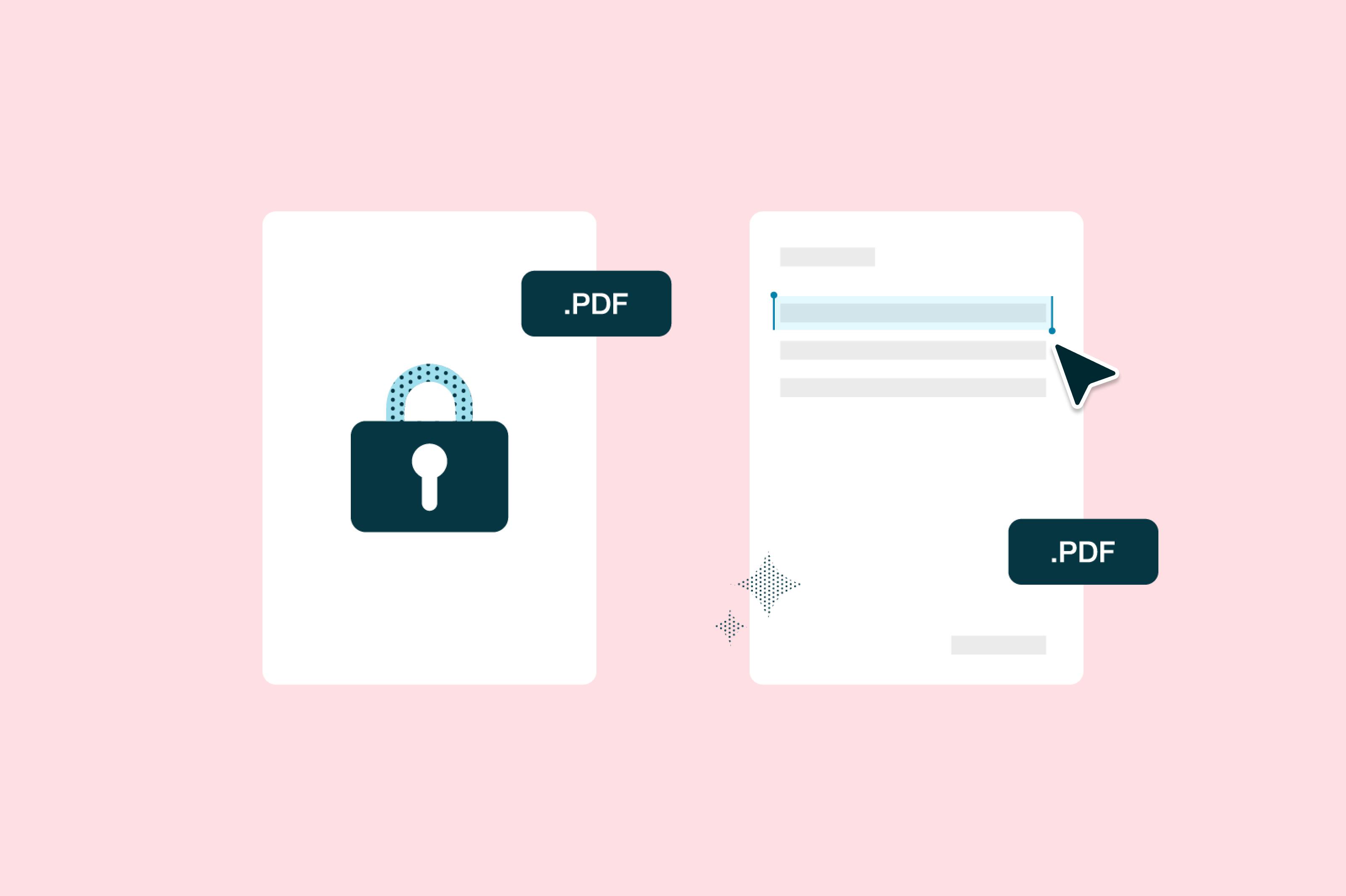
Remove passwords from PDFs with our free online tool. Upload your file below and unlock password-protected files simply and easily.Almost there, finishing the upload.

Drag and drop or click here to upload
You're in good company







How to unlock PDF files online
Follow these simple steps to remove a password from your PDF.
- 1
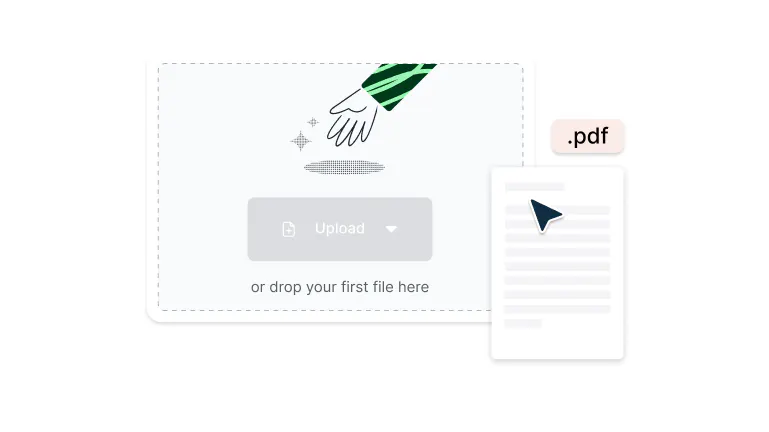
Upload
Drop a password-protected PDF file into the dropzone above or click the 'Upload' button.
- 2
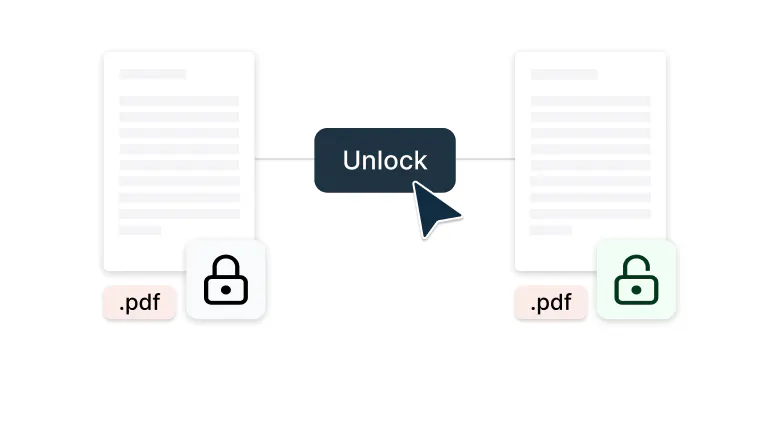
Unlock
Enter the password to access your PDF.
- 3
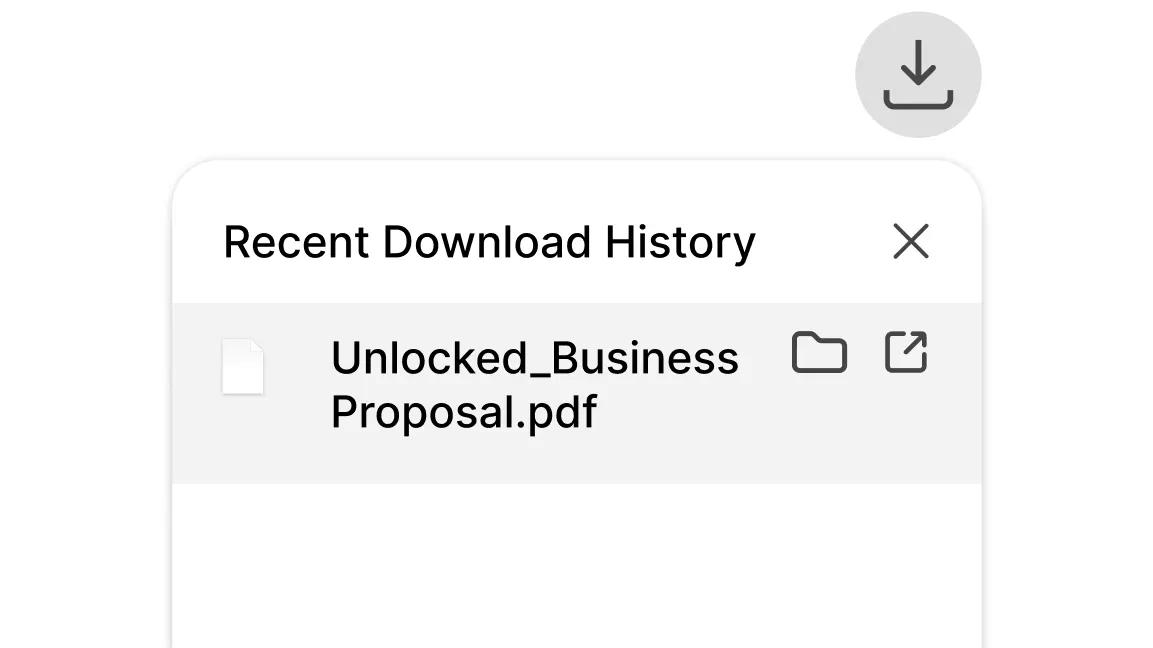
Download
Download, print, or share your unlocked PDF.
Remove PDF passwords with ease
Unlock PDFs instantly with Lumin’s free tool. Remove restrictions, access content, and manage your documents without limits.

Unlock your documents instantly
Remove password protection from your PDFs in seconds. Upload, enter the password, and download your unrestricted file. Break through document barriers without complicated software or technical expertise.

Add text, annotate, and highlight your documents
Once unlocked, make edits with ease. Add comments, insert highlights, or adjust text to keep your documents clear and organized. Turn restricted files into fully editable documents for smooth workflow integration.

Google integration
Import locked files directly from Google Drive, unlock them, and save back instantly. Stay productive without switching between apps. Your unlocked PDFs sync automatically with Google Workspace for efficient document management.

Security
Your files are protected with enterprise-grade encryption. Every unlocked document is secure and managed with care. Maintain complete privacy with SOC 2 Type 2 compliance and AES 256 encryption throughout the process.

Real-time collaboration
Share your unlocked PDFs with teammates to review, edit, and comment together in real time. Keep everyone aligned without sending multiple versions. Enable teams to work on previously restricted documents simultaneously.

Split, extract, and rotate
Take control of your unlocked PDFs. Rearrange pages, split large documents, or rotate pages to create the exact file you need. Enjoy complete flexibility to reorganize content for different audiences or purposes.
Frequently asked questions
Yes, Lumin PDF offers free PDF unlocking for basic needs. You can create a free account to access additional features and collaboration tools.
Unlocking a PDF means removing password protection or restrictions that prevent editing, copying, or printing the document. This process allows you to access all document features, making the PDF fully usable for your needs while maintaining the original formatting and content quality.
Unlocking your PDF is simple. Upload your password-protected file, enter the password if you have it, and our PDF unlocker will remove the restrictions. Download your unlocked PDF instantly - no software installation needed.
No. When you remove password from PDF files using our PDF editor, the document quality remains exactly the same. All content, formatting, and features stay intact - only the restrictions are removed.
Yes, if you:
– Own the document– Have authorization to remove restrictions
– Possess the original password
– Use it for legitimate purposes
Lumin PDF integrates seamlessly with Google Drive, allowing you to unlock PDFs without downloading them first.
Right-click your locked PDF in Drive, select "Open with" > "Lumin PDF," enter the password, and the unlocked version saves directly back to your Drive folder. This integration streamlines your workflow and keeps all files organized in one place.Your data is protected with enterprise-grade security. Every unlocked PDF is encrypted with AES-256 and managed under SOC 2 Type 2 compliance standards, ensuring your files remain private and secure throughout the process.
You might need to unlock a PDF to edit protected forms, extract content for reports, add annotations for collaboration, or print restricted documents.
Common scenarios include updating outdated information, combining locked PDFs into new documents, or enabling team access to previously restricted files.Safety depends on the service provider. Lumin PDF uses enterprise-grade security with encrypted connections, automatic file deletion, and compliance certifications.
Look for services that offer transparent privacy policies, secure HTTPS connections, and clear data handling practices. Avoid services that require unnecessary permissions or store your files indefinitely.No. Properly unlocking a PDF preserves all original content, formatting, images, and structure. The process only removes restrictions without altering the document itself.
Your unlocked PDF maintains the same quality and layout as the protected version, ensuring professional presentation and data integrity.Yes. You can add new password protection to any unlocked PDF using Lumin's Protect PDF tool.
Trusted by more than 100 million customers



Featured articles

Discover Lumin’s products
Collaborate with existing colleagues and onboard new ones with Lumin and Lumin Sign. Our innovative solutions work great on their own, but they’re even better together.

Lumin Sign