
 Edit
Free PDF tools for everyday work
Add text, comment, sign and share PDFs at no cost. Sign up free and open your first file in your browser.
Trusted by over 130M professionals worldwide







Everyday PDF tasks, done free
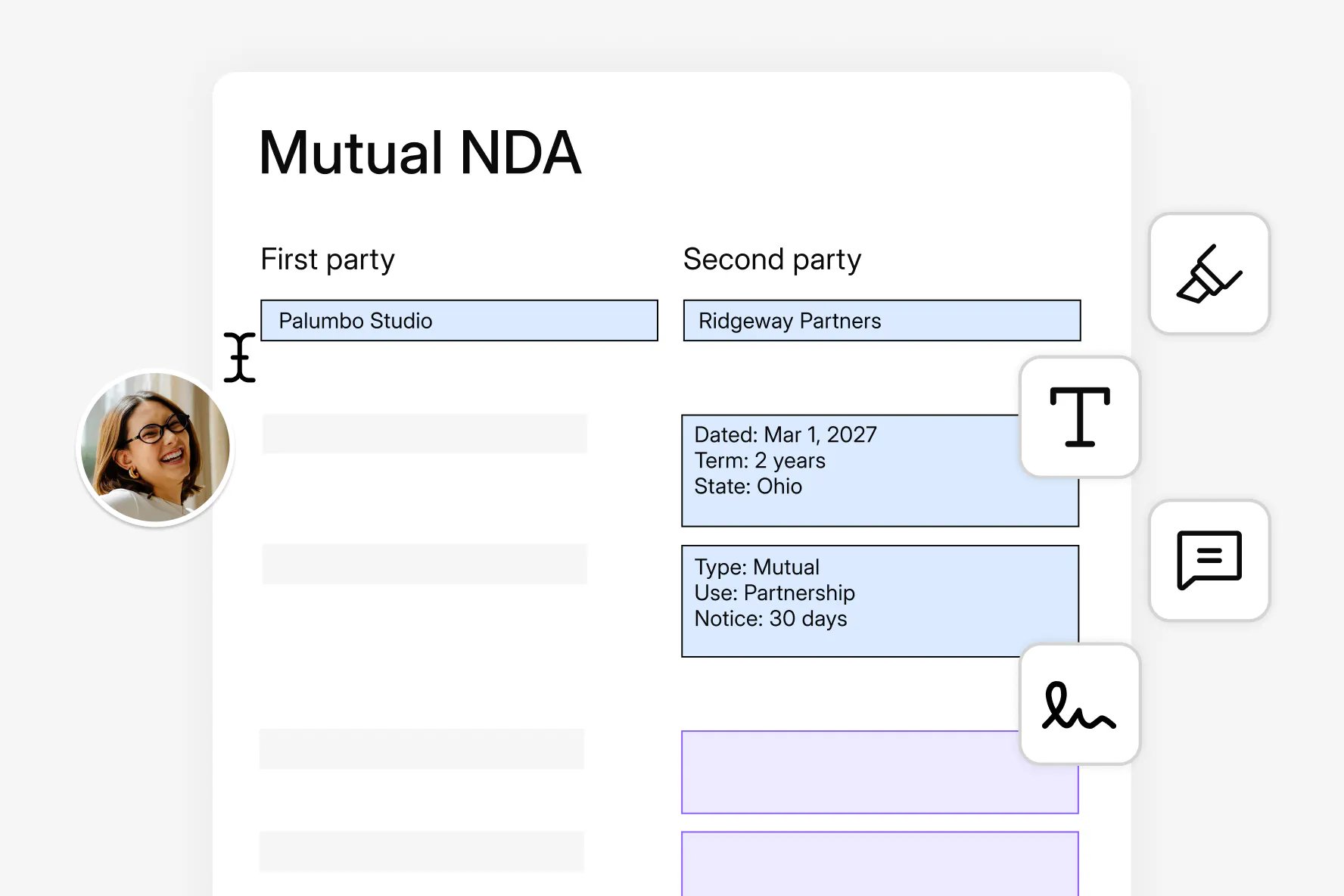
Fill in any form, even flat PDFs
Type into fields, tick boxes and add dates. If a PDF isn’t fillable, Lumin can find the form fields for you.
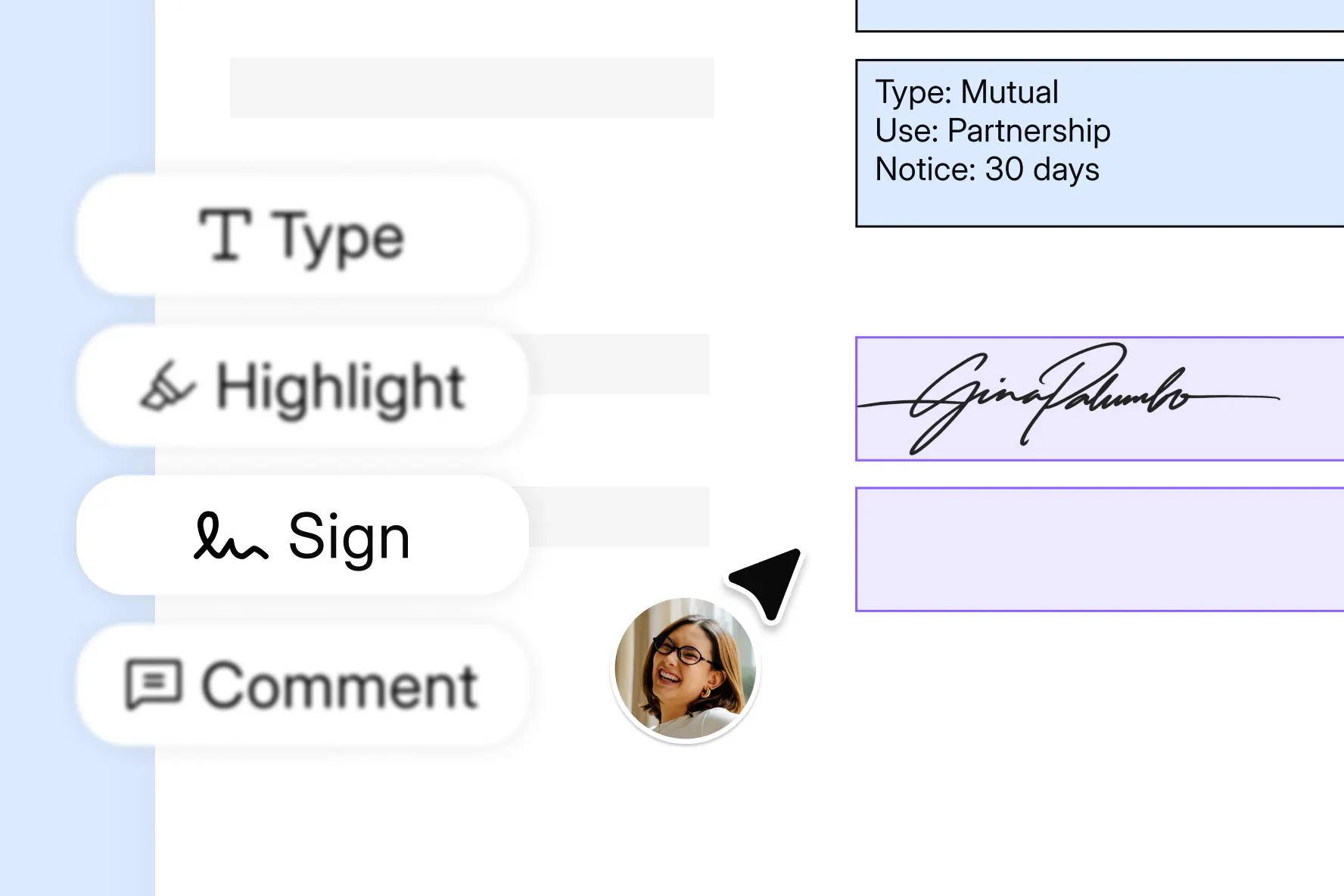
Sign contracts and NDAs
Save your signature and reuse it on every PDF you sign. Need someone else’s signature? Send up to 5 documents a month for signing, free.
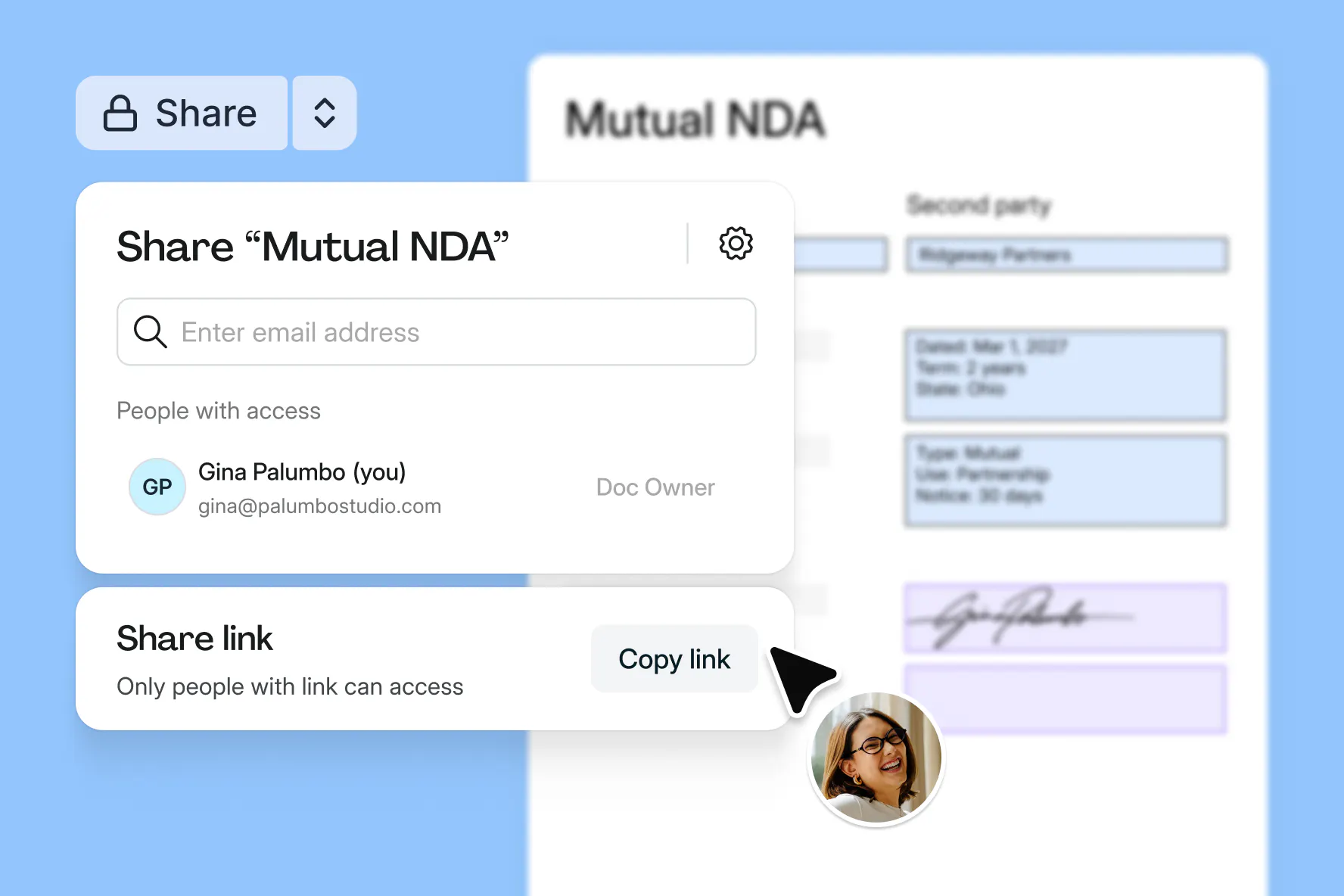
Share with a link, not an attachment
Send a link to your PDF so others can view and comment on the latest version.
What’s included for free
Type anywhere on the page, add images and fill in forms, right in your browser.
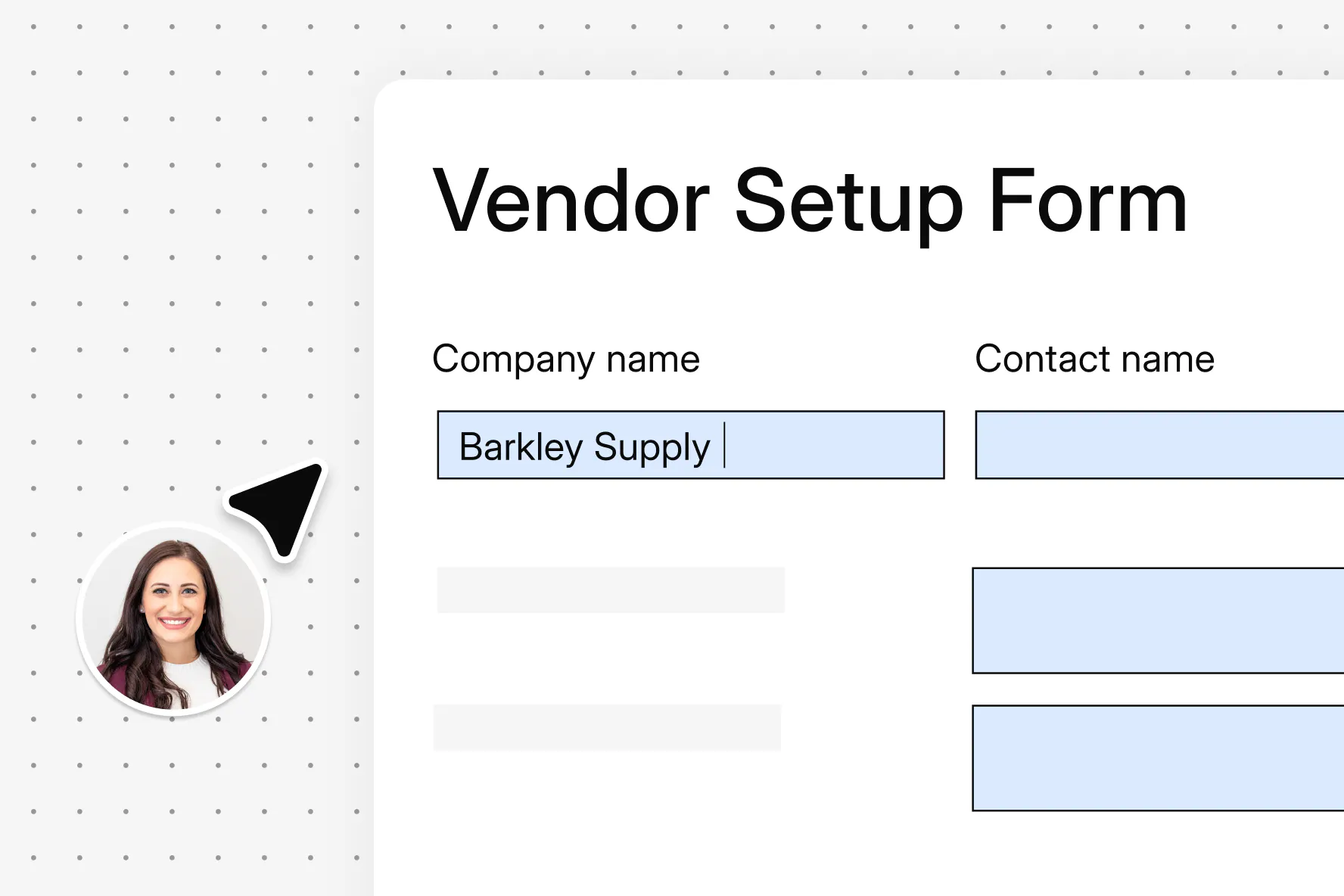
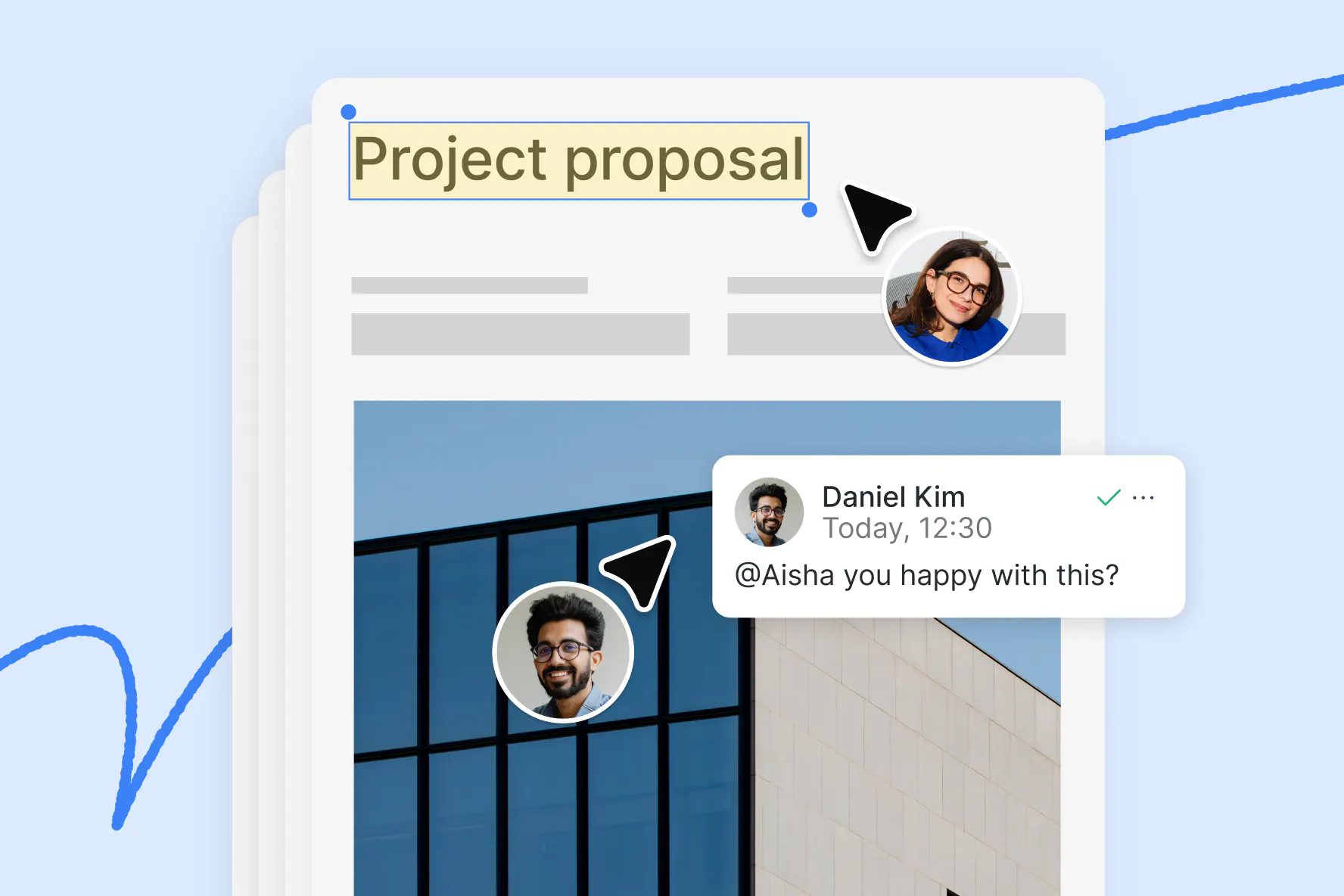
Highlight key lines, draw, add shapes and leave comments others can reply to.
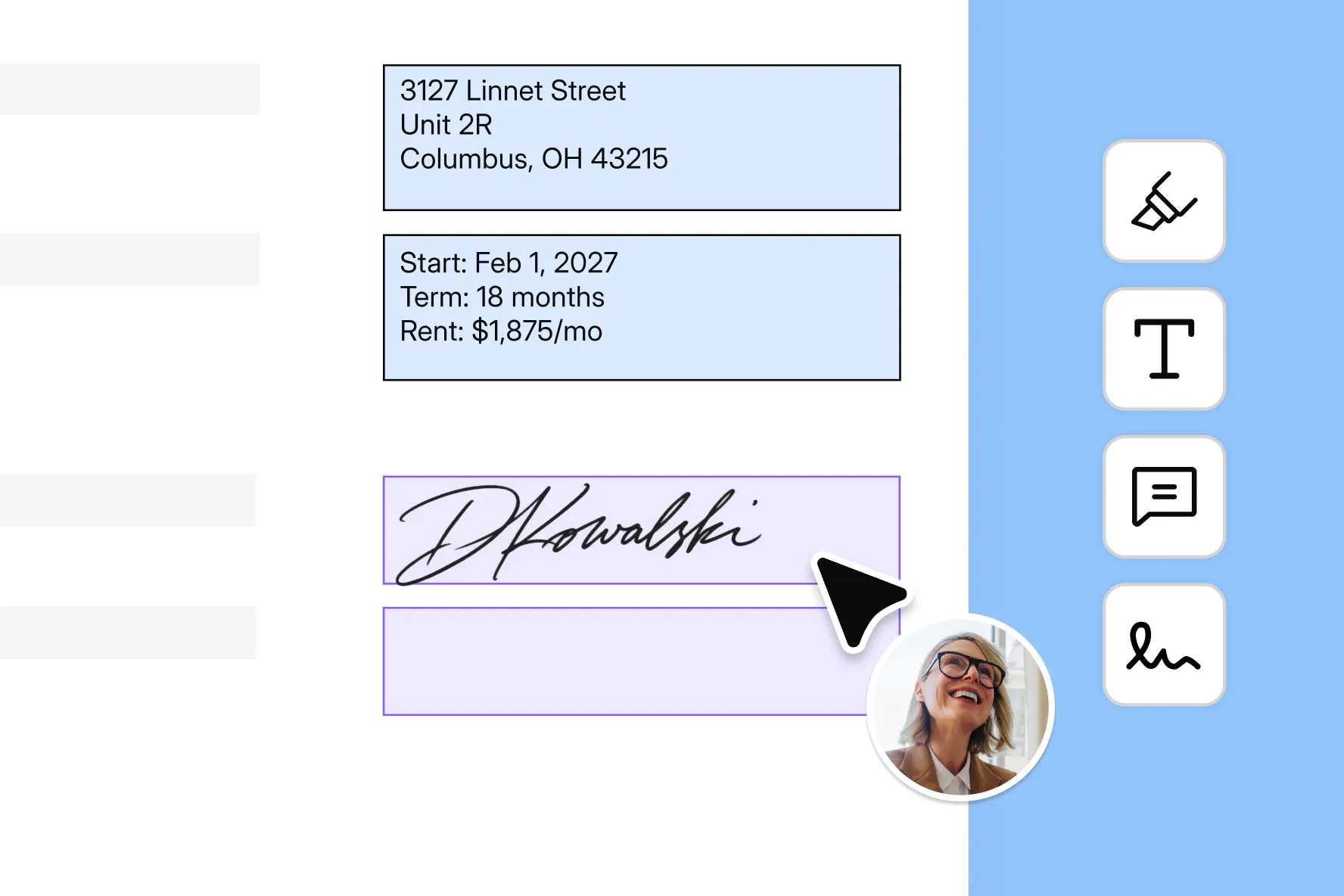
Save up to two signatures and add them to any PDF you need to sign.
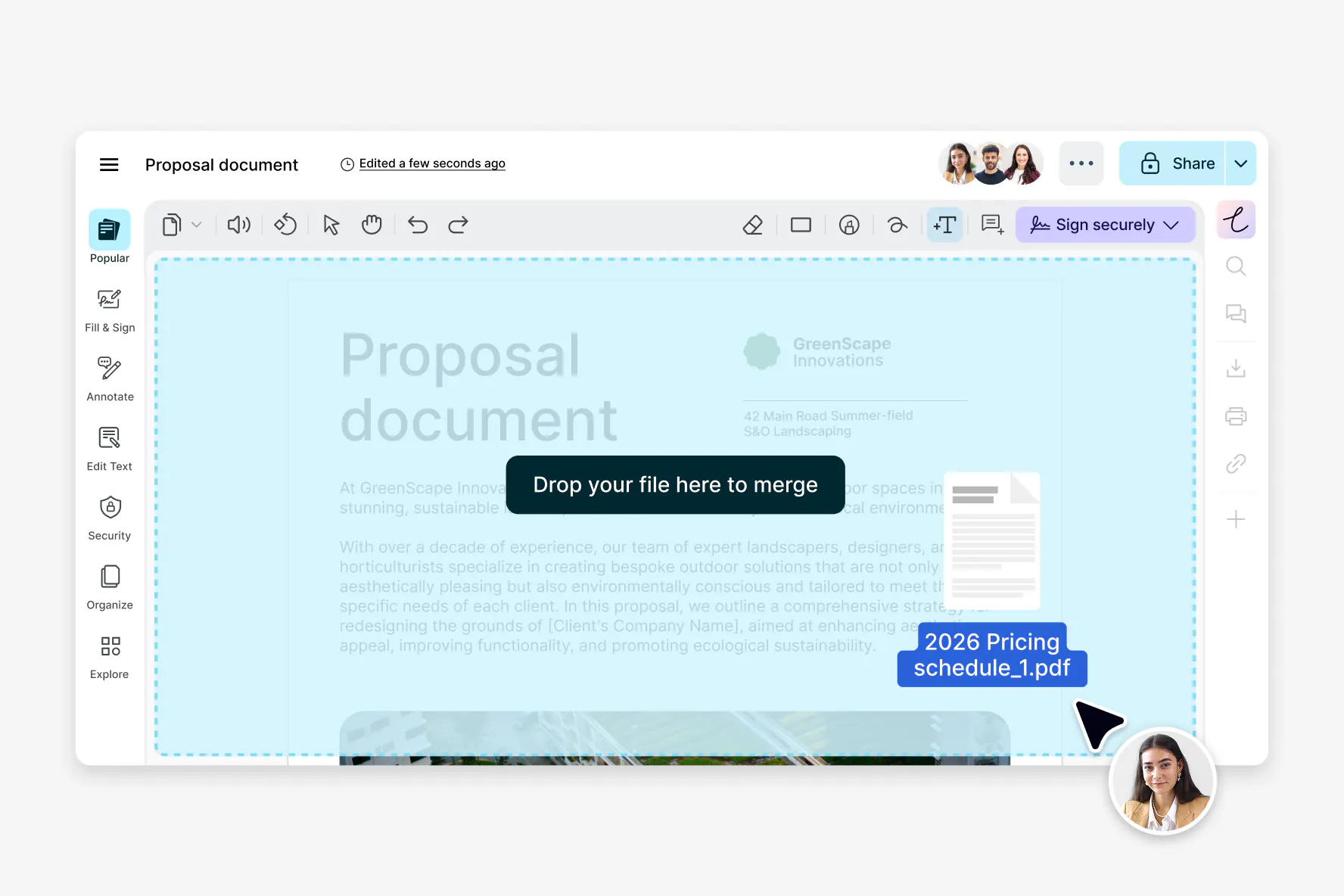
Merge PDFs, rotate, reorder or delete pages, and convert PDFs to other formats.
Start with the free tools
Draw, comment, add text, sign and share for free. Upgrade when you need more, like editing existing PDF text.

Edit PDF text
Edit PDF text directly without converting your document

eSign PDF
Create a unique eSignature for quick signing

Create a fillable PDF
Build fillable forms to make paperwork easy

Merge PDF files
Combine multiple documents to create a single PDF

Collaborate
Share feedback, action items and edit documents in real-time

Unlock a PDF
Remove passwords from PDFs in just a few clicks

Annotate PDFs
Draw, add shapes, text, highlights, images and more

PDF OCR
Make scanned text readable and searchable with OCR

Scan PDF
Capture clear PDFs using just your phone's camera.

PDF reader
Open PDF documents on your browser, desktop, mobile or tablet

Crop a PDF
Crop the pages in your document to any size

Flatten PDF
Remove interactive elements and make your PDF uneditable

Split PDF files
Split and extract information into multiple PDF files

Delete PDF page
Delete unwanted pages from your PDF
Lumin lets our staff work with each other in real time”
60+
Minutes saved per employee daily
99%
Reduction in staff training time

Enterprise-grade security without enterprise complexity”
15x
Faster document workflows
93%
Faster agreement processing

Lumin lets our staff work with each other in real time”
60+
Minutes saved per employee daily
99%
Reduction in staff training time
Enterprise-grade security without enterprise complexity”
15x
Faster document workflows
93%
Faster agreement processing
Lumin lets our staff work with each other in real time”
60+
Minutes saved per employee daily
99%
Reduction in staff training time
Enterprise-grade security without enterprise complexity”
15x
Faster document workflows
93%
Faster agreement processing
Frequently asked questions
Yes. You can add text, draw, comment, highlight, add images and sign PDFs for free. Editing existing text in a PDF is part of our Pro and Business plans.
No. Lumin works in your browser, so you can open a PDF and start right away.
Yes. Create your signature once and add it to any PDF on the free plan.