
Document automation that keeps business moving
Cut the time spent creating, managing and signing agreements so deals close sooner and work starts on time.
Trusted by over 140M professionals worldwide







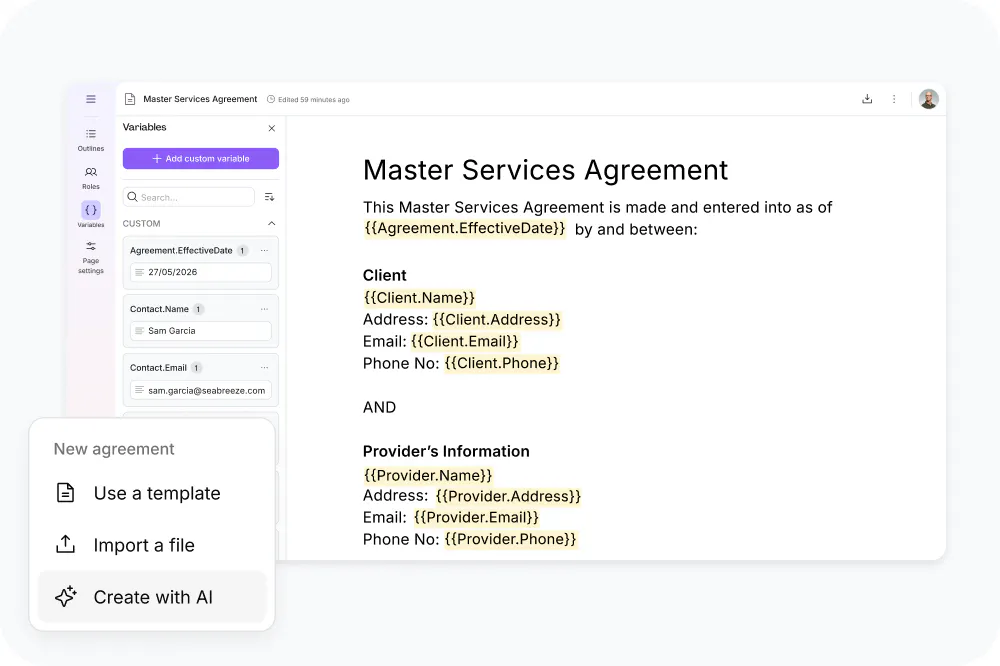
Start from a template, a PDF or a prompt
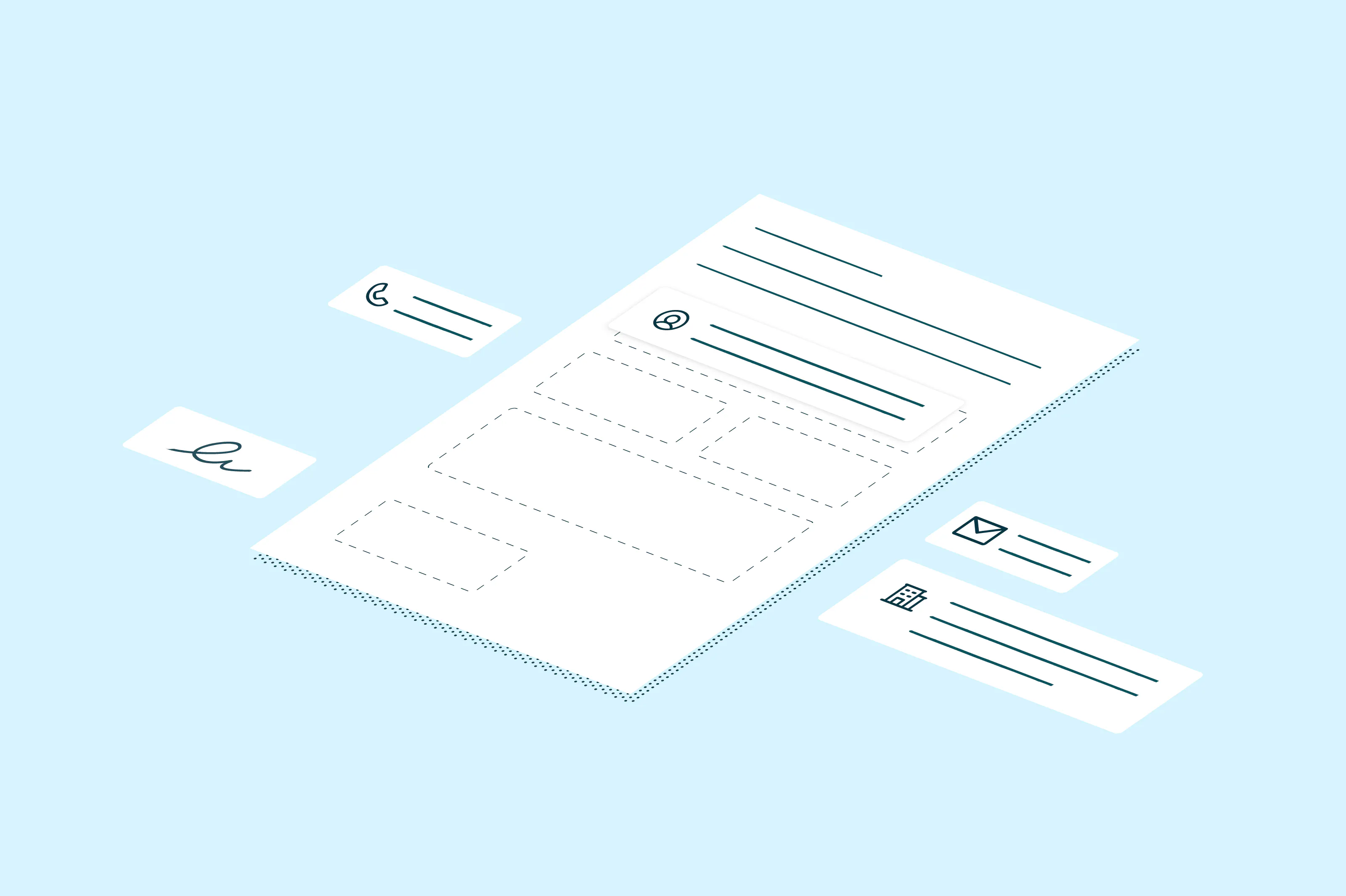
Generate proposals, contracts and NDAs from your own templates, without starting from scratch each time. Turn an existing PDF into a new template or have AI draft one from a prompt, then add variables to tailor each document to its recipient.
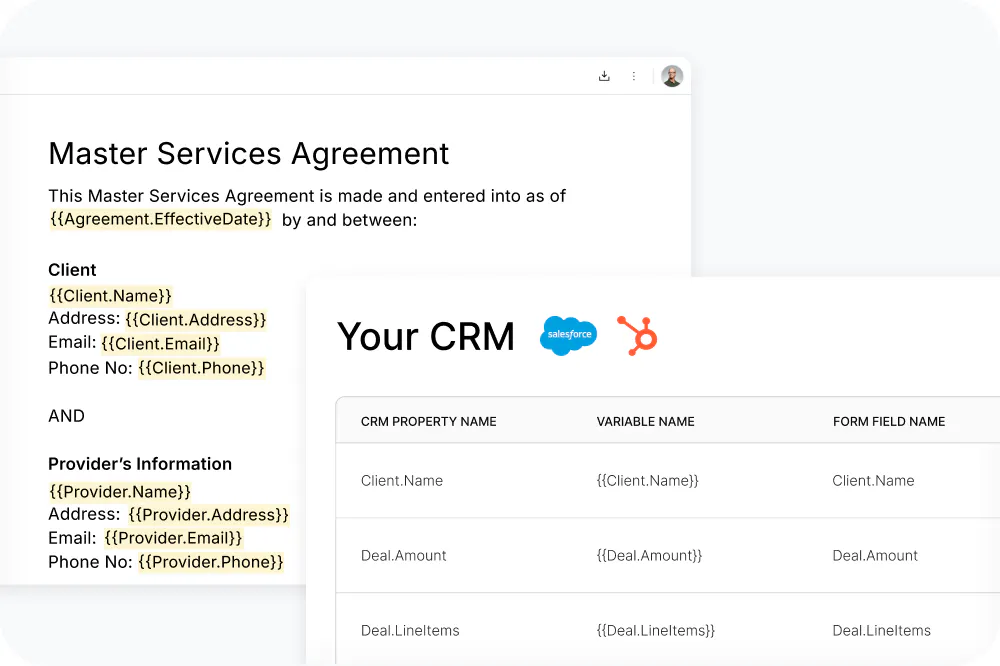
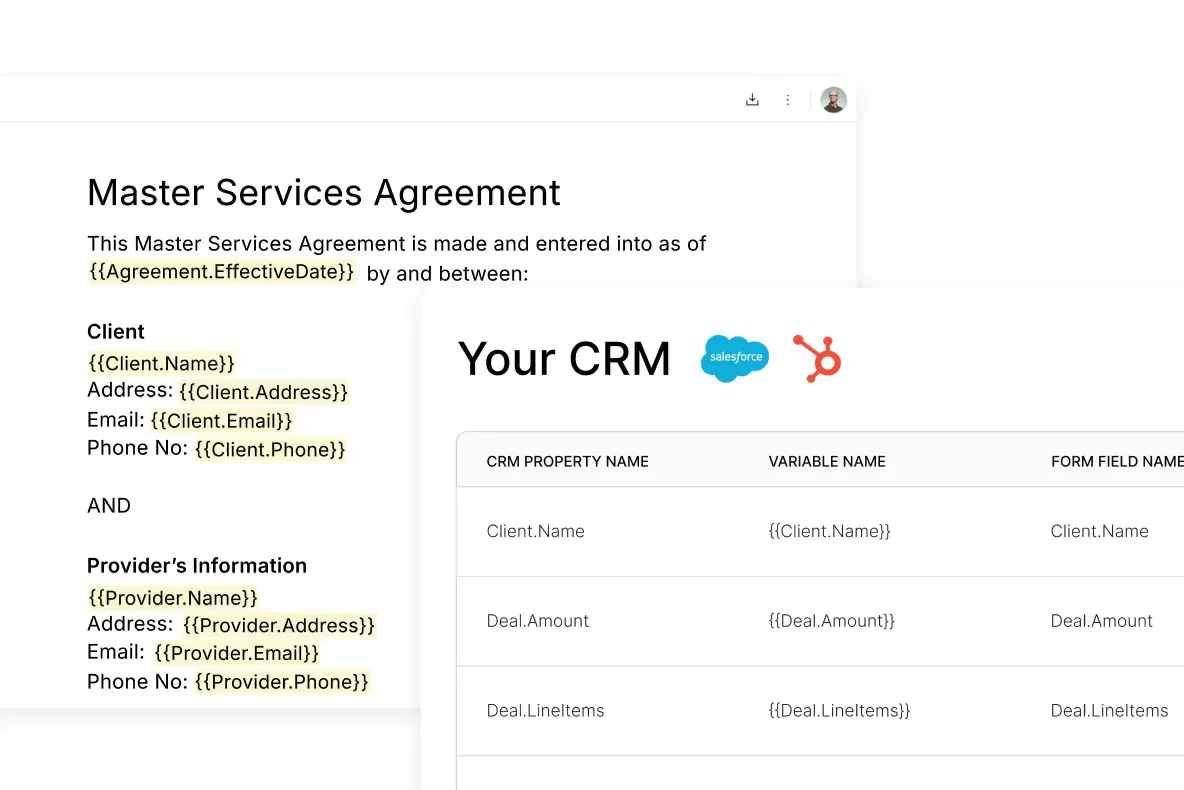
Fill agreements with data from your CRM
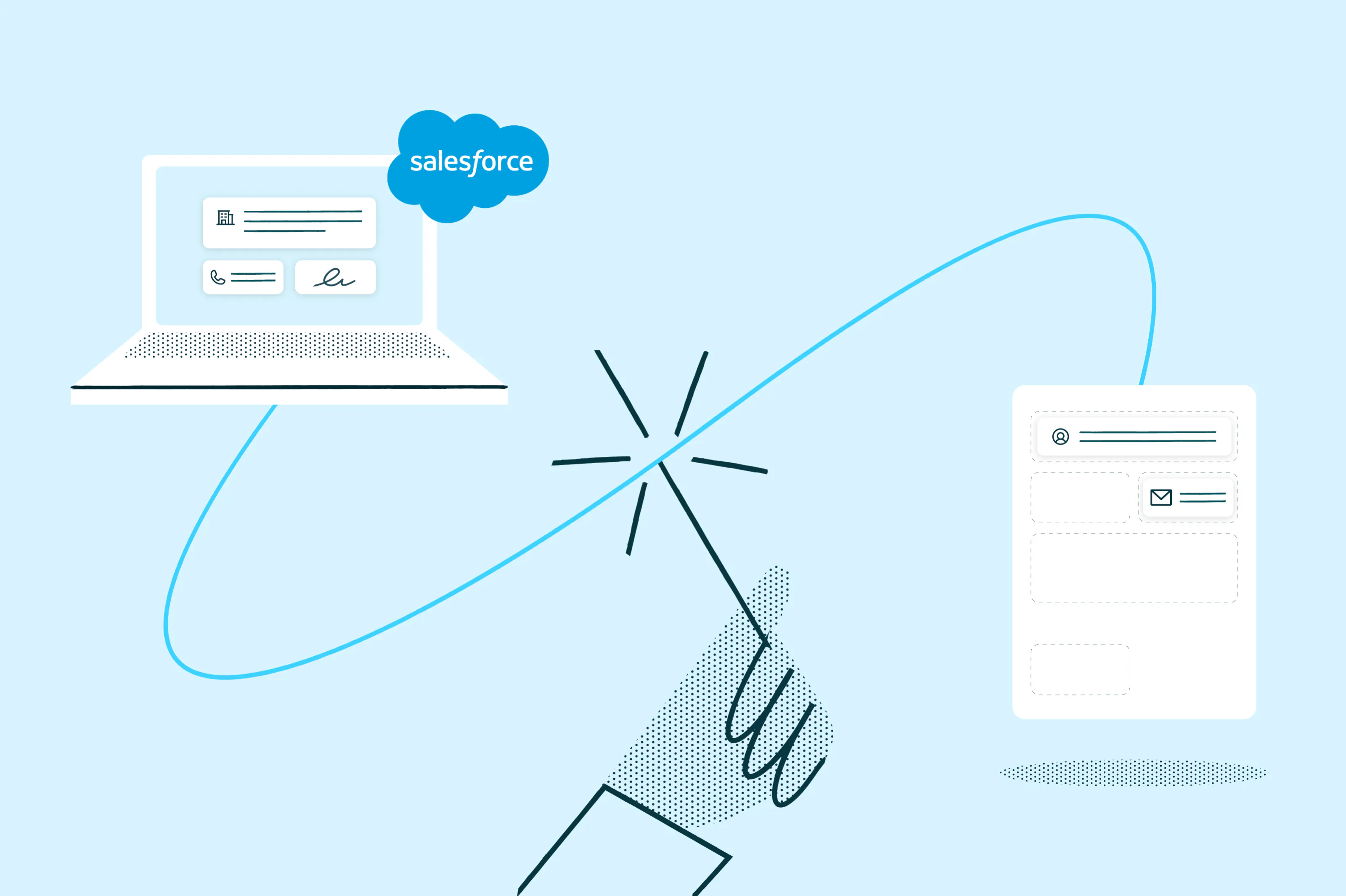
Connect Salesforce or HubSpot to fill agreements with accurate client details, deal values and line items. For other systems, the Lumin API brings the data in.
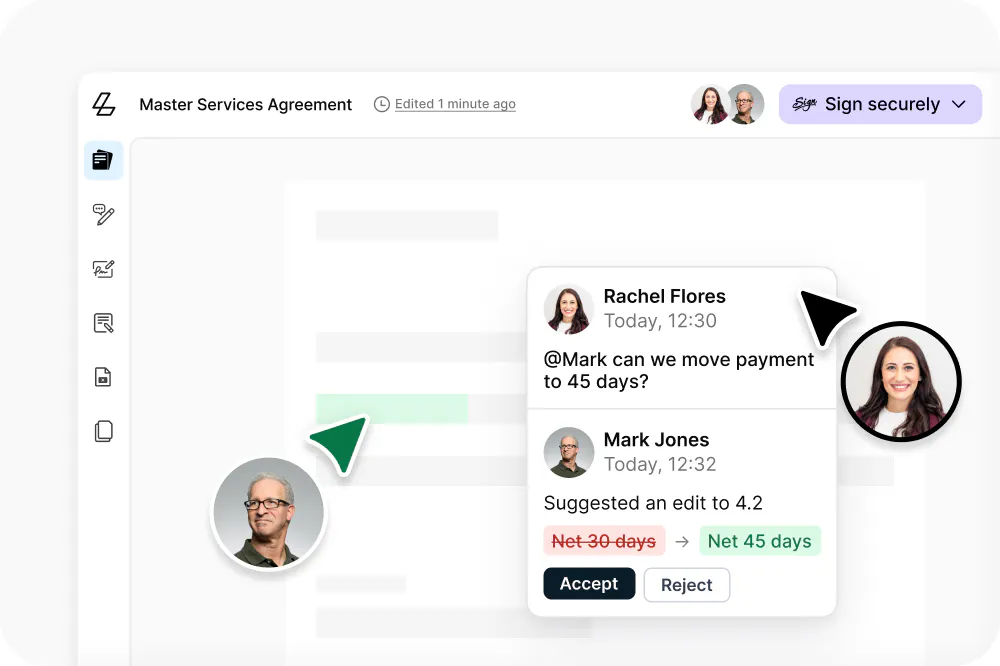
Collaborate on agreements in one place
Keep feedback and edits in the agreement itself, not spread across email threads. Reviewers comment and suggest changes in the document, and you decide which ones make the final version.
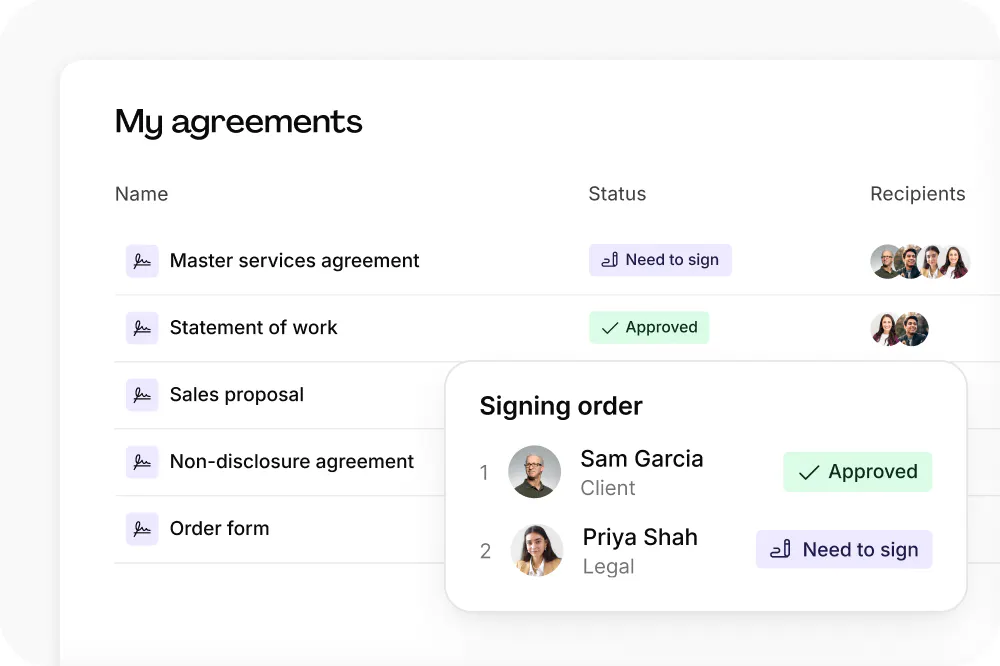
Send for eSignatures and track every agreement
Send agreements for legally binding eSignatures with signer roles and order already set. Automatic reminders keep them moving, and one dashboard shows where each one stands.
Run it where your team works
Connect Lumin to your CRM, your own product or your AI assistant, so documents are created and signed without switching tools.

Salesforce
Generate agreements from Salesforce records and store each signed copy against its record.

HubSpot
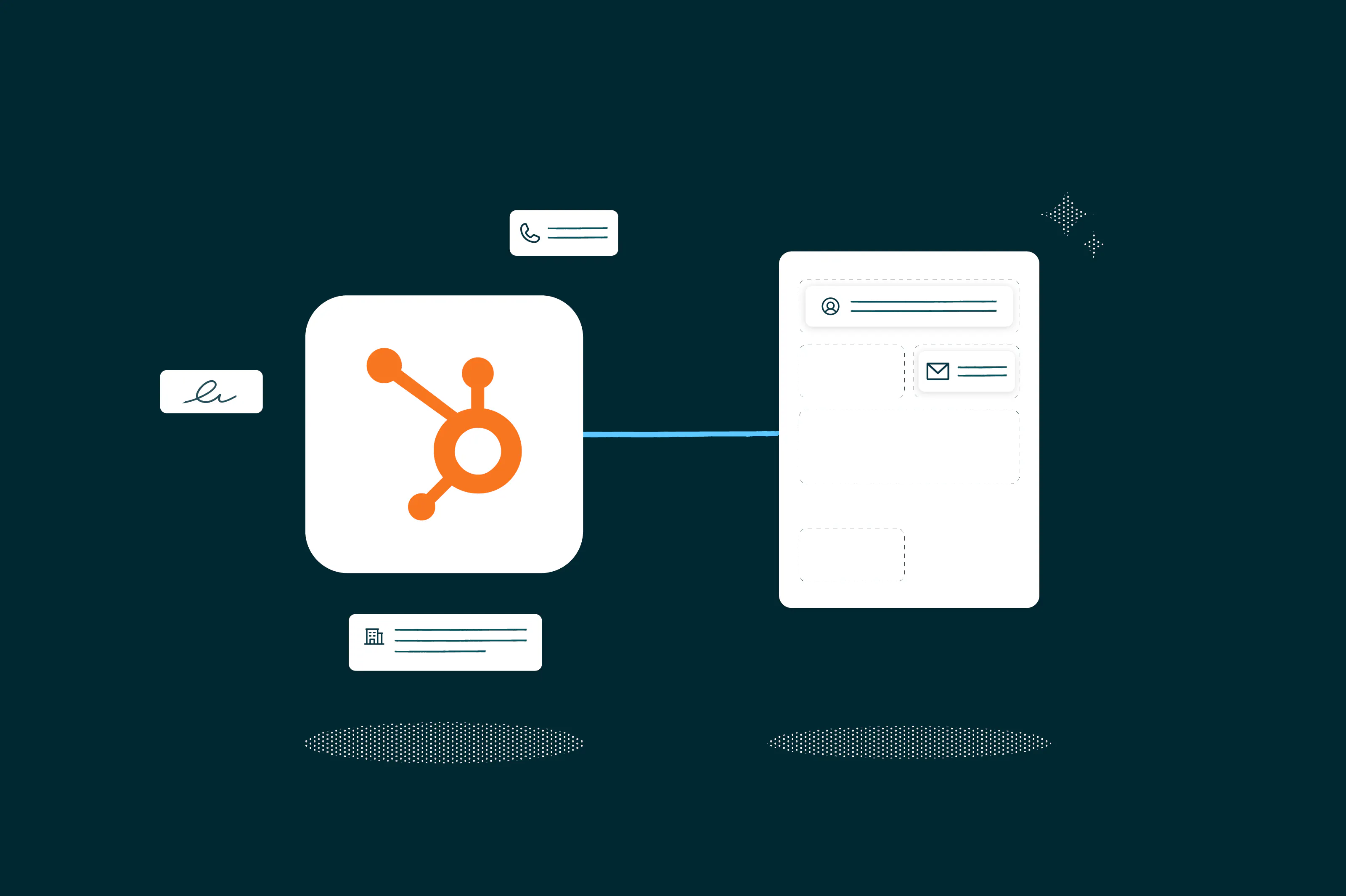
Fill agreements from Contact, Company and Deal records and attach the signed copy automatically.

Lumin API and webhooks
Build document generation, signature requests and status updates into your own product or internal tools.

AI assistants
Lumin MCP connects Claude, ChatGPT and Cursor to your templates and signature requests, so agreements can be drafted and sent from a chat.
How businesses automate document workflows with Lumin
See how customers use Lumin to shorten onboarding, speed up signing and free up time.
Lumin Sign reduced onboarding from a week to an hour”
168x
Faster client onboarding time
90%
Time saved on agreements

The difference with Lumin is night and day. It's so simple.”
30 sec
Signing time, down from 45 minutes
1 week
Implementation of Lumin API integration

Lumin gives us great efficiency that we didn't have before.”
60+
Mins saved per employee daily
100%
Increase in efficiency

Lumin Sign reduced onboarding from a week to an hour”
168x
Faster client onboarding time
90%
Time saved on agreements
The difference with Lumin is night and day. It's so simple.”
30 sec
Signing time, down from 45 minutes
1 week
Implementation of Lumin API integration
Lumin gives us great efficiency that we didn't have before.”
60+
Mins saved per employee daily
100%
Increase in efficiency
Frequently asked questions
Document automation uses software to handle the repeated steps in producing a document. That covers creating it from a template, filling in data and sending it for review and eSignatures, then storing the signed copy.
None for most workflows. You can build templates and connect Salesforce or HubSpot without writing code. Building document automation into your own product through the Lumin API takes a developer.
Yes. Upload a PDF or Word document, mark the fields that change and save it as a template. Lumin fills those fields with your data each time you create a new agreement.
Yes. Lumin MCP connects Claude, ChatGPT and Cursor to your Lumin templates and signature requests. Ask for an agreement in a chat and the assistant creates it from your template, ready to review and send for eSignatures.
Learn more about the Lumin Claude connector
Start with the agreements you send most often and turn them into templates. Fill them from your CRM instead of retyping details, then send, remind and track them in one place so fewer agreements stall between steps.
Look for encryption in transit and at rest, independent certification such as SOC 2 and an audit trail on every signed agreement. Lumin has all three.
Featured articles

Automate your document workflows with Lumin
Book a tailored demo, or talk with a product specialist to explore what Lumin can do for your team.
